

See every new order.
Orders from your website arrive in one list beside the ones your team takes at the counter or by phone, each marked with where it came from.
Orders
Orders from your website, the phone and the till land in one list. Accept them, prepare them, hand them over, and every step moves the same stock and books.
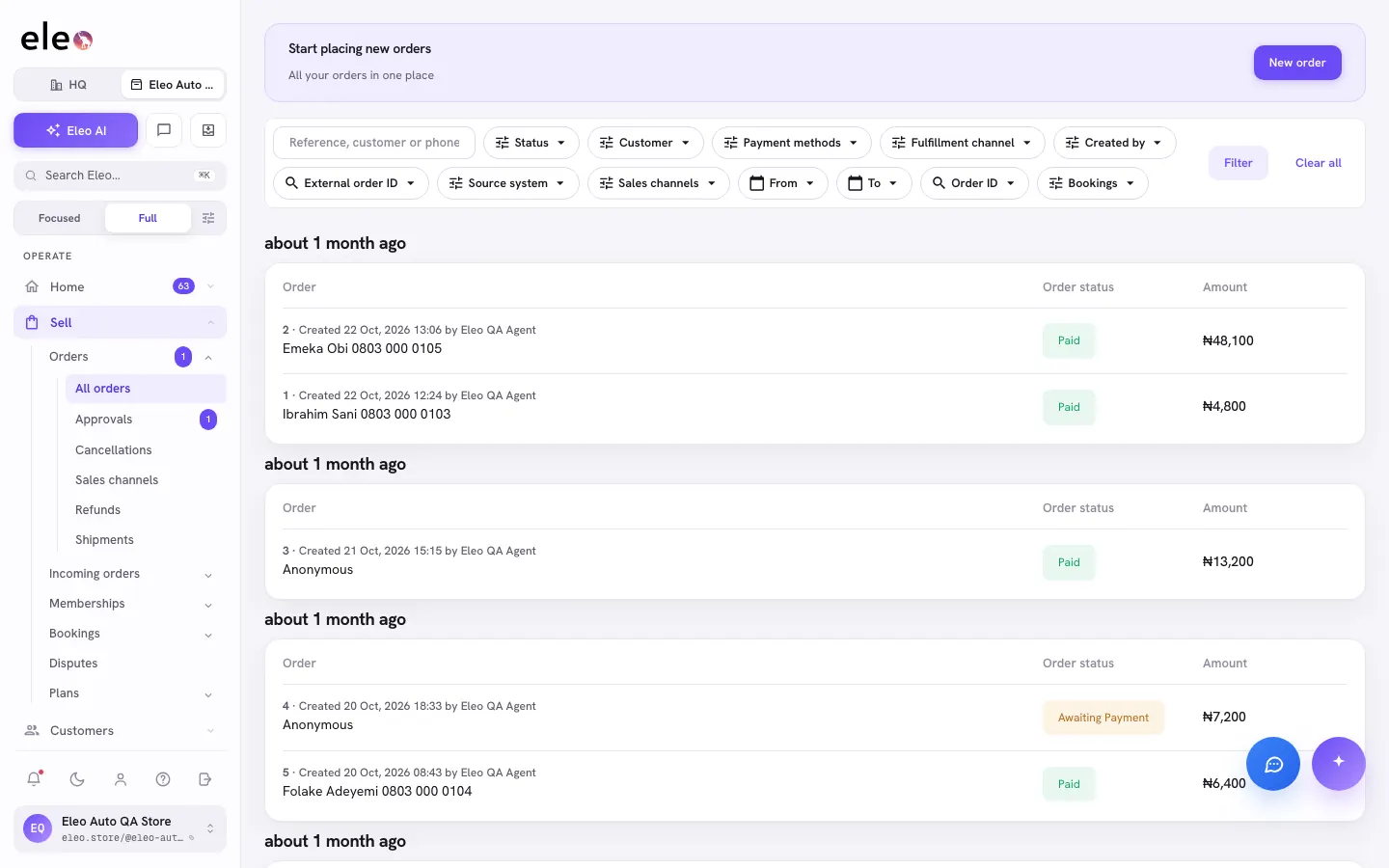
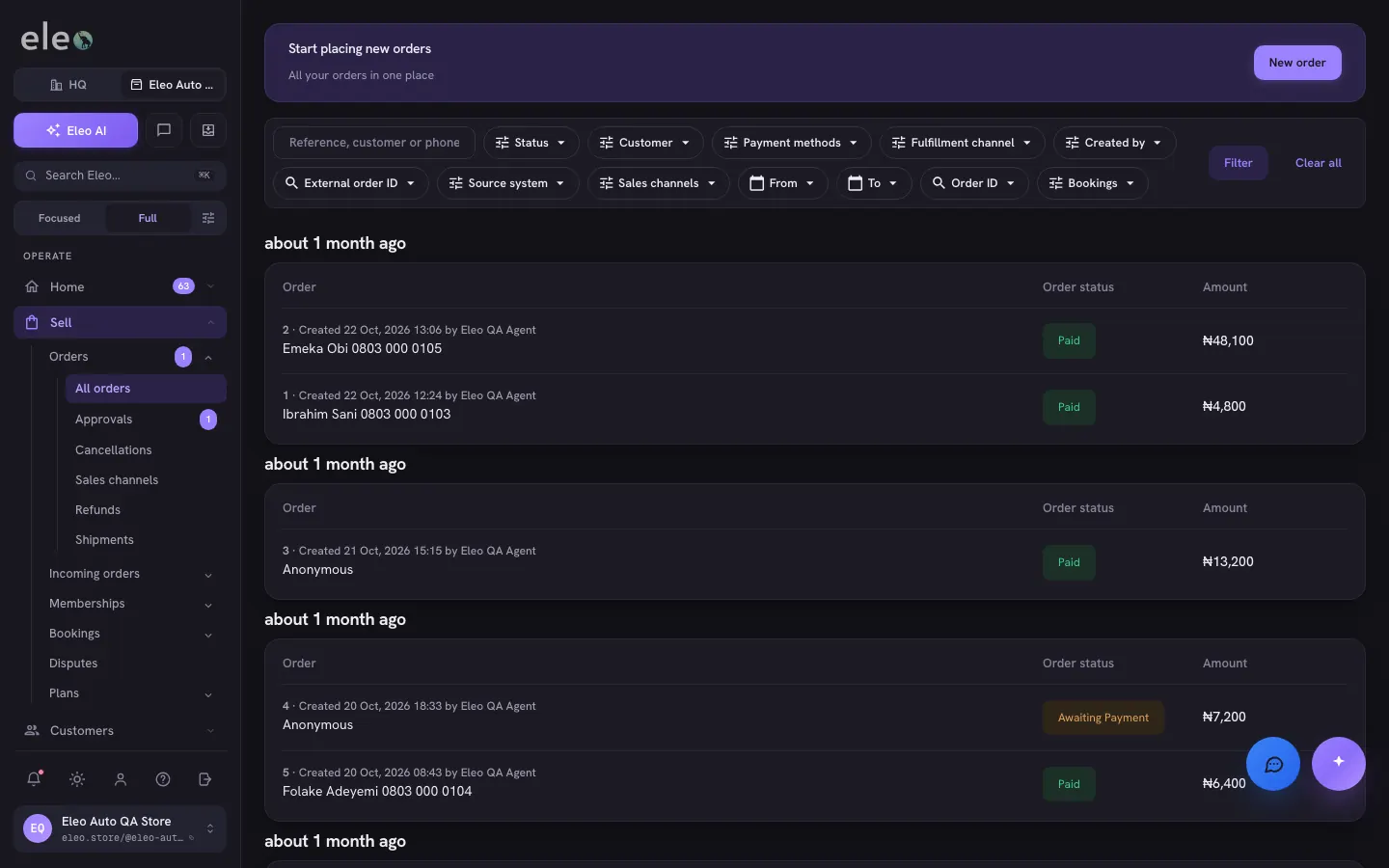
A real Eleo screen, from a demo store.
01 — What it does
Orders from your website arrive in one list beside the ones your team takes at the counter or by phone, each marked with where it came from.
Accept an order, turn it down, or change it when an item has run out. The customer is asked to agree to the change before it goes ahead.
Each item's ticket prints at the right station, so the bar gets the drinks and the kitchen gets the food.
Offer pickup, your own delivery or in-store collection, with time slots and delivery fees set by area. The customer sees the choice when they order.
Each order shows its stage: waiting for payment, being prepared, ready for pickup, sent out, done. Your team works from the same view.
Staff ask for a refund, a manager approves it, and returned items go back into stock. Every step is written down with who did it.
02 — A Friday evening
A restaurant with a counter, a kitchen and its own website takes orders on a Friday evening. This is what the person running the pass sees between 6 and 9.
Orders come in from the restaurant's website and from phone calls the cashier keys in. Each shows up in the list with its items and its pickup or delivery choice.
One order asks for a dish the kitchen has finished. The manager changes it to another dish and sends the change. The customer agrees, and the order goes ahead.
Accepted orders print at the kitchen and the bar. Each ticket carries the order number, so the pass can match food to bag.
Pickup orders move to ready, and the customer collects. Delivery orders go out with the restaurant's own driver.
A customer reports a missing side. The cashier asks for a refund on that one item, the manager approves it, and the order shows what was refunded and why.
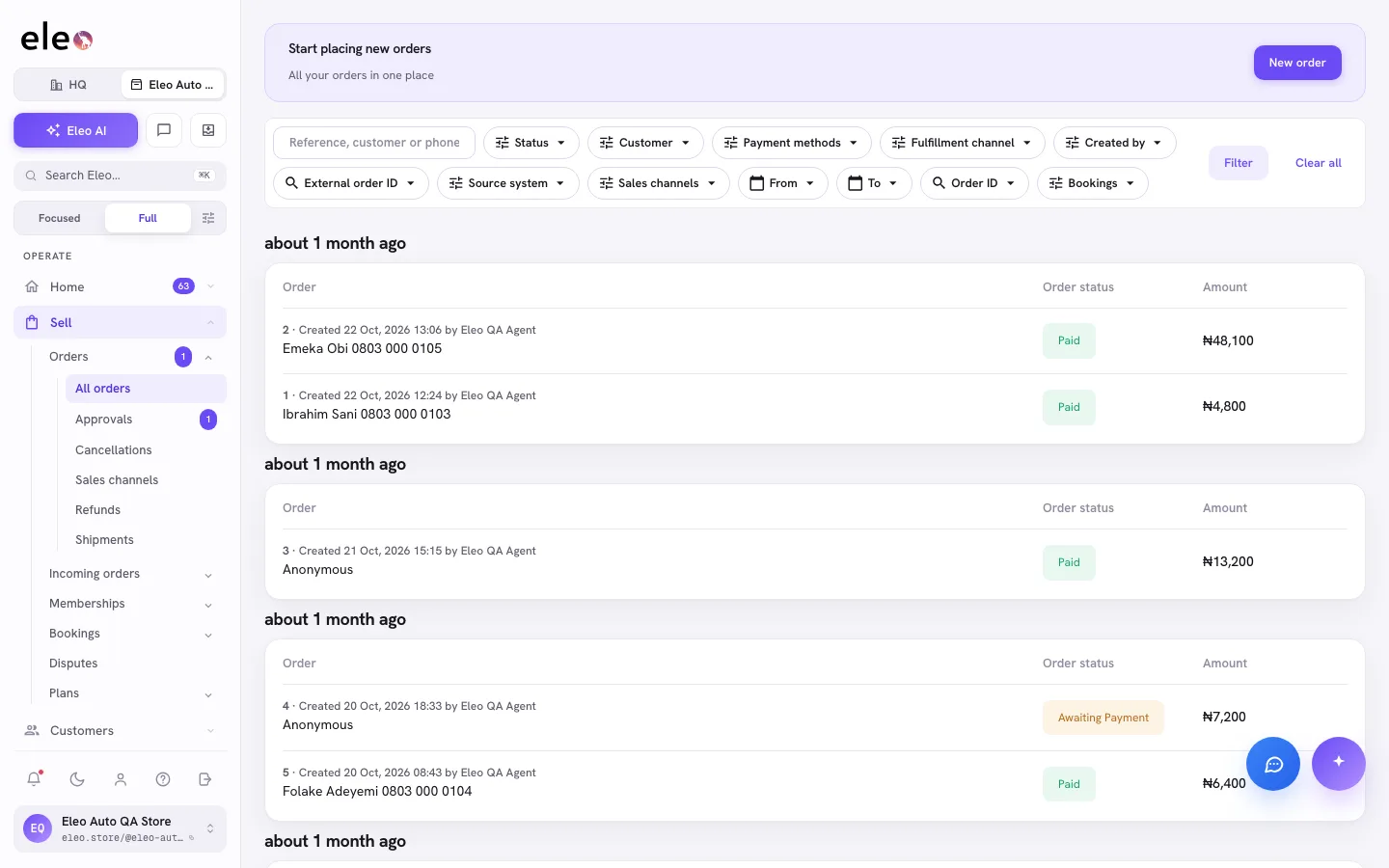
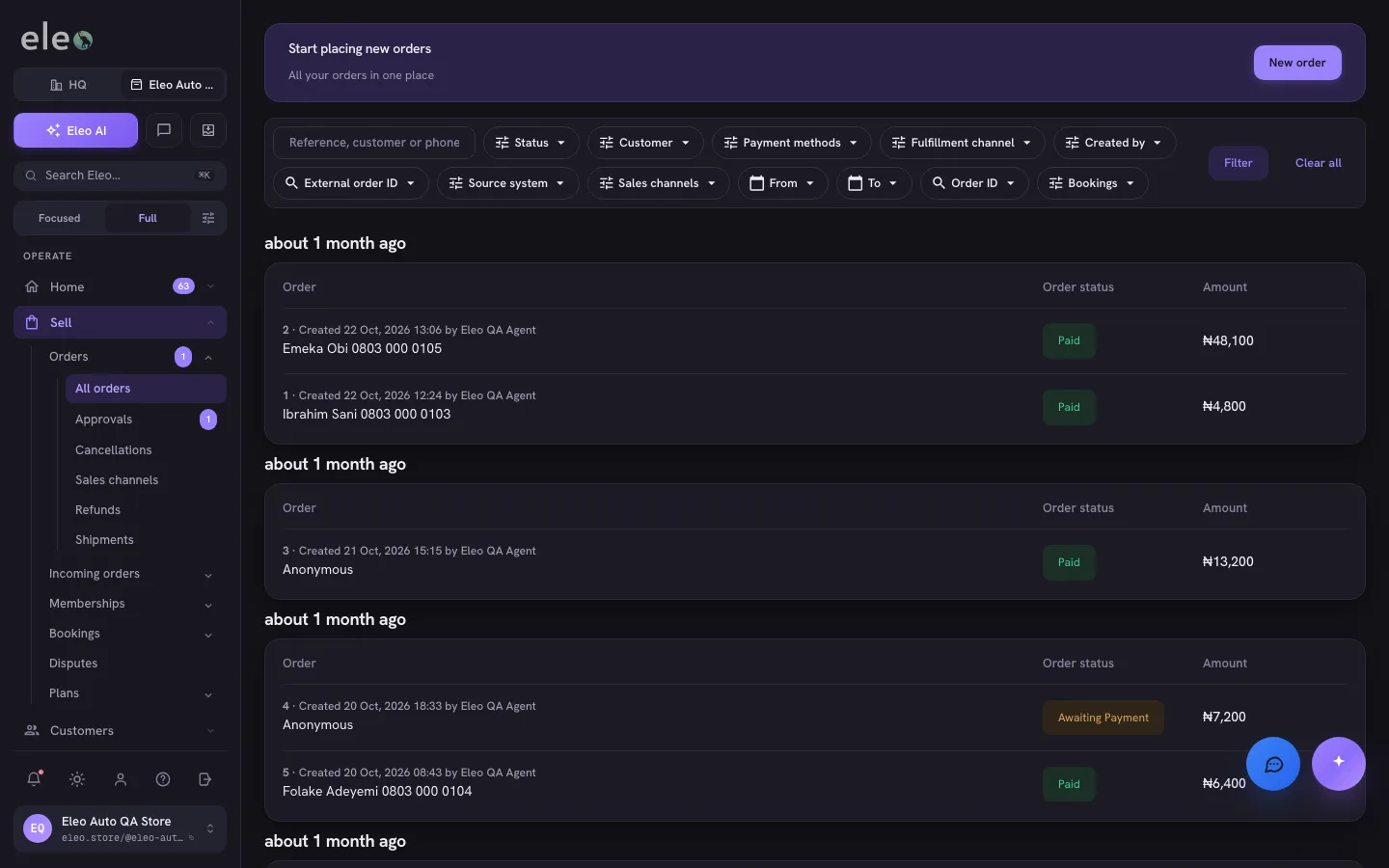
A real Eleo screen, from a demo store.
03 — After the order
An online order takes stock from the same count as the till, so the shelf and the website agree. A cancelled order puts it back.
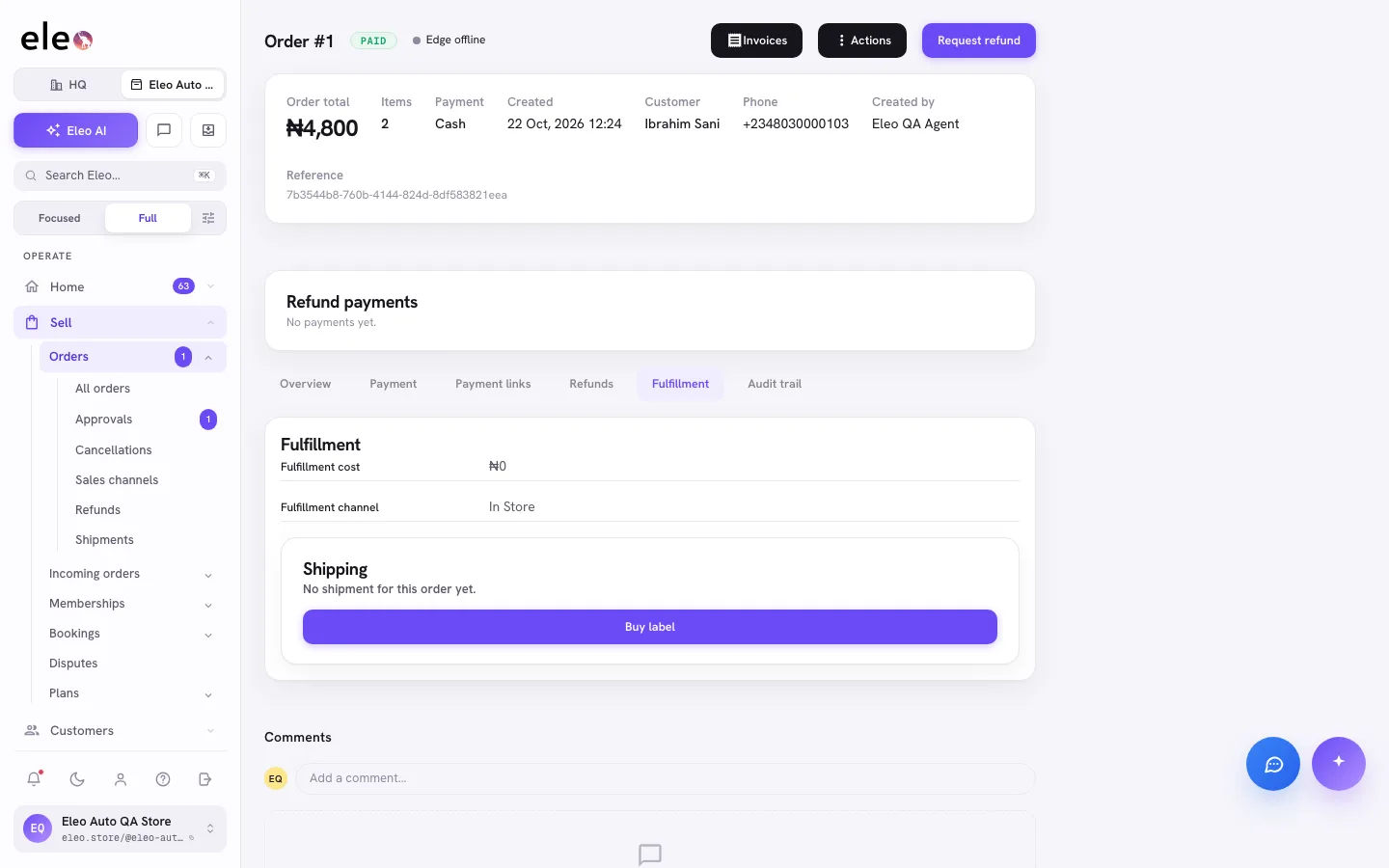
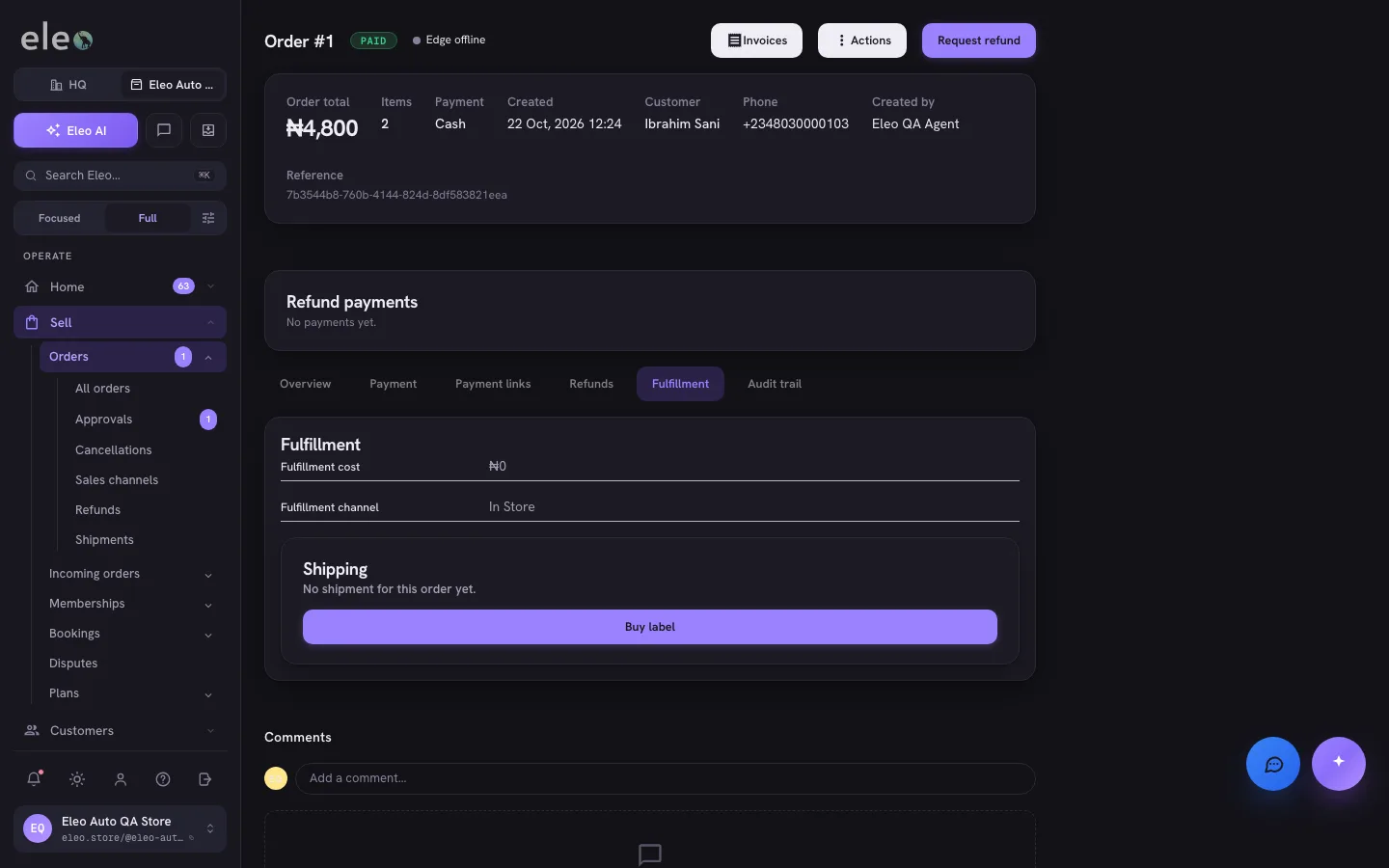
A real Eleo screen, from a demo store.
Some customers pay at the door, some on collection, and some on account. Eleo keeps what each customer owes, and a payment taken in any branch clears the right order.
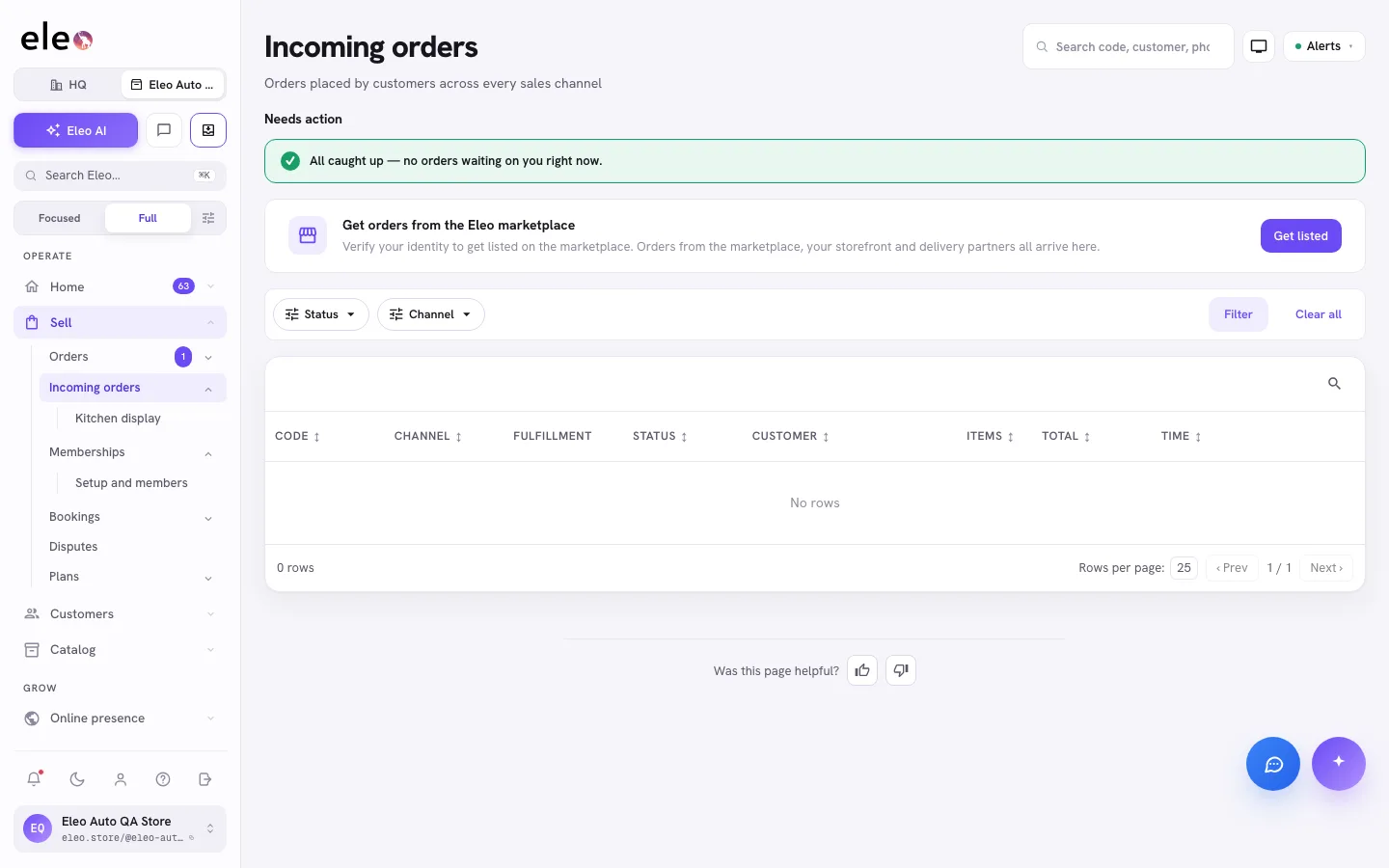
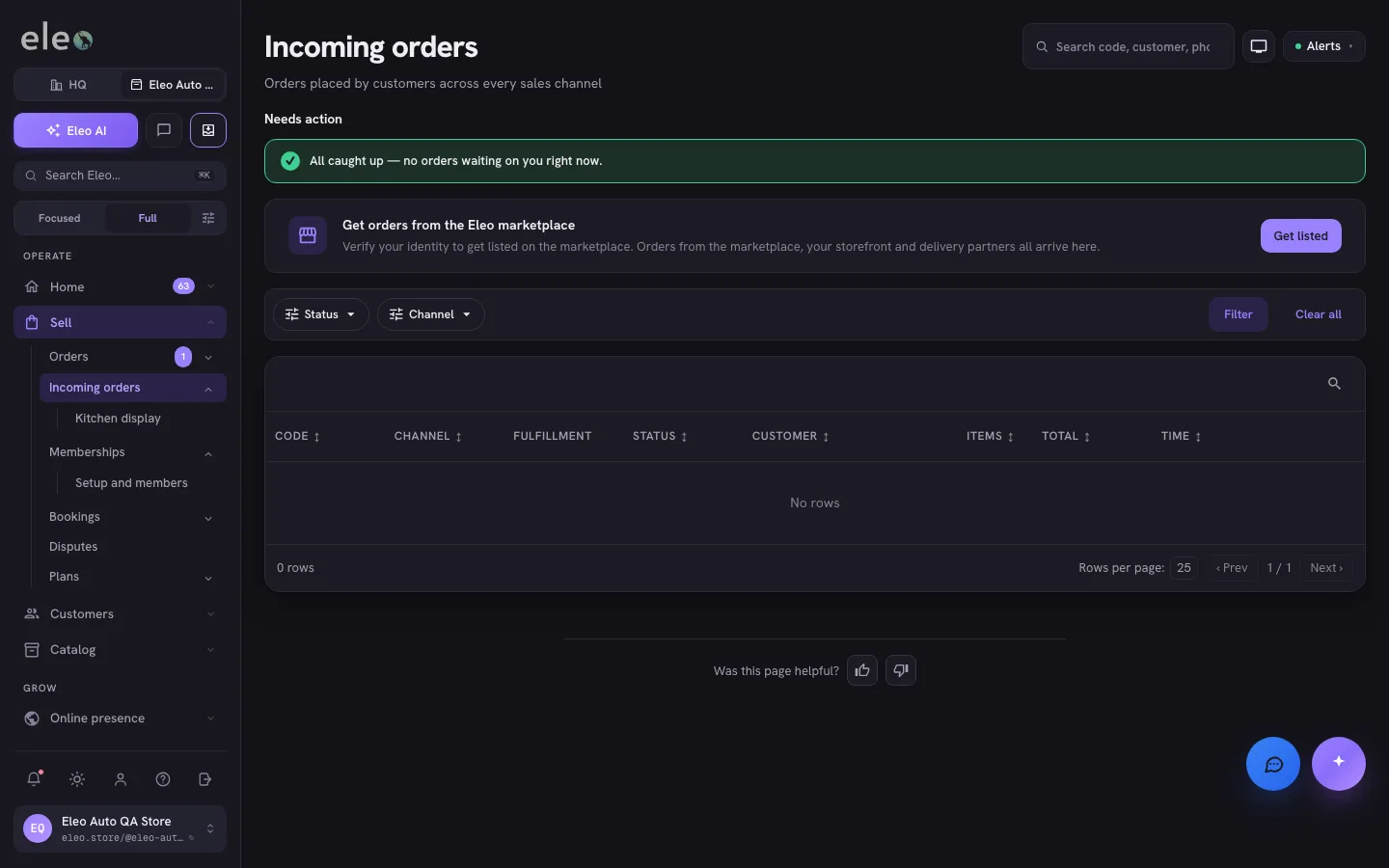
A real Eleo screen, from a demo store.
04 — Who it is for
If orders reach you from more than one place, or some are paid and handed over later, one list saves the switching between apps, chats and paper.
05 — What to know
Know these before you move your orders over, so the first busy evening holds no surprises.
Orders from the till, the phone and your own website work in every country. The Eleo Marketplace, delivery apps and order by chat are live in Nigeria today. Availability varies by country.
06 — Questions
The till, your team keying in a phone order, and your own website. They all land in one list.
Change the order: swap the item, take it off, or change the quantity. The customer is asked to agree. If they do not answer in time, the change lapses and you can follow up.
No. You choose how each order reaches the customer: pickup or your own delivery, with time slots and fees by area.
A cashier can cancel their own sale in their own shift. Other cancels and every refund wait for someone you allow to approve them.
Yes. An order can be left owing and paid later, in part or in full, and the payment can be taken in any of your branches.
Yes. Each order keeps its history: when it came in, who accepted it, what was changed and agreed, when it was paid, prepared and handed over, and any refund with its reason and approver. When a customer calls about an order, the answer is on one screen.
07 — Part of the whole
Stop switching between apps and chats. Take the order, prepare it and hand it over in one place.