

Everyone has their own login.
Invite people by email or text message. Each invite is for one branch or the whole business, and it expires if it is not accepted.
Team
Each person who works for you gets their own login and a role that fits the job. A cashier sells, a manager approves, your accountant reads the books, and every change has a name against it. You keep the keys.
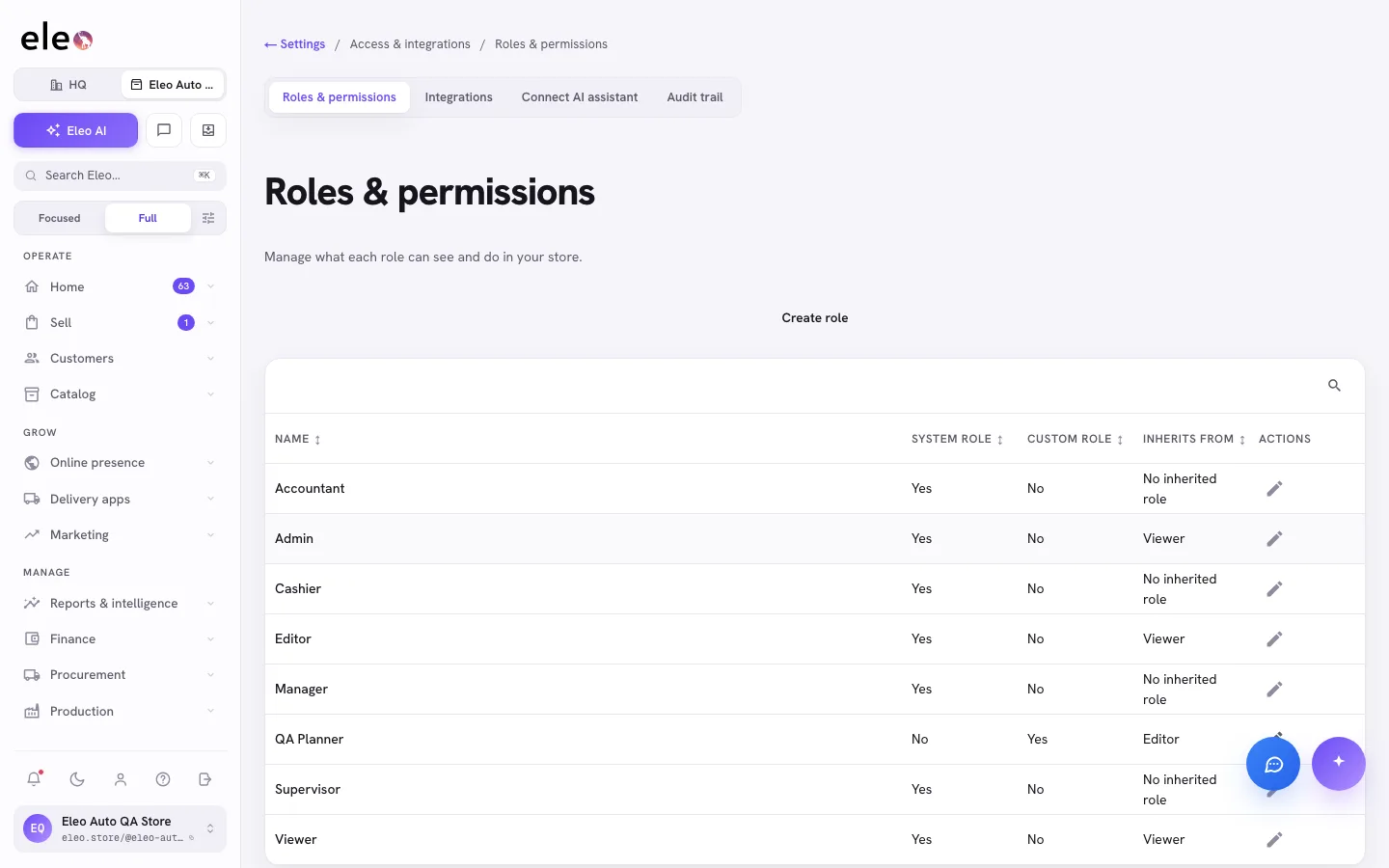
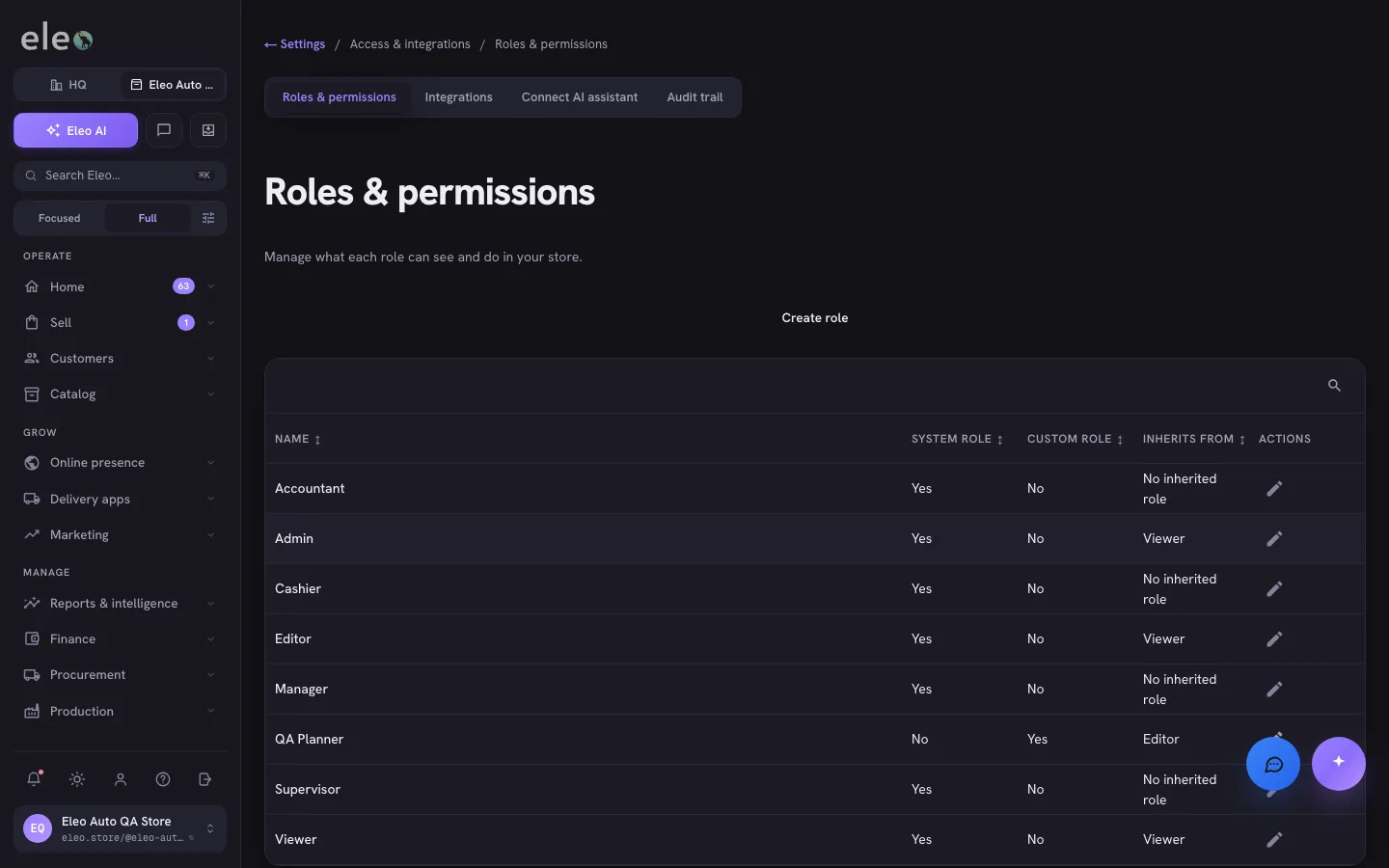
A real Eleo screen, from a demo store.
01 — What it does
Invite people by email or text message. Each invite is for one branch or the whole business, and it expires if it is not accepted.
Start from ready-made roles: Owner, Manager, Supervisor, Cashier, Viewer, Accountant and more. Or make your own, such as Head Chef or Stock Clerk.
Choose what each role can see, add, change and approve, area by area: sales, stock, suppliers, money, reports, the team.
Stop people approving their own requests. Set how much a manager may approve and what goes to the owner.
Group people into departments such as kitchen, floor and stores, name a lead and set each person's line manager.
Plan the rota, record leave and holidays, and run payroll. Deductions are added by hand, and you pay staff from your bank.
02 — A new starter
A restaurant with a kitchen, a floor team and a bar takes on a new cashier for the floor. This is her first week from the owner's side.
The floor manager invites her by text message with the Cashier role, in the Floor department, with himself as her line manager. She accepts and sets up her own login.
At the till she can take orders and payments. She cannot change prices, see profit or open the team list.
A table changes its order after it has gone through. A cashier cannot void an order, so she sends a request and the floor manager approves it. Both their names are on the record.
The manager adds her to next week's rota for the evening shifts, when the restaurant is busiest.
The staff performance report shows her orders, sales and items per order next to the rest of the floor team.
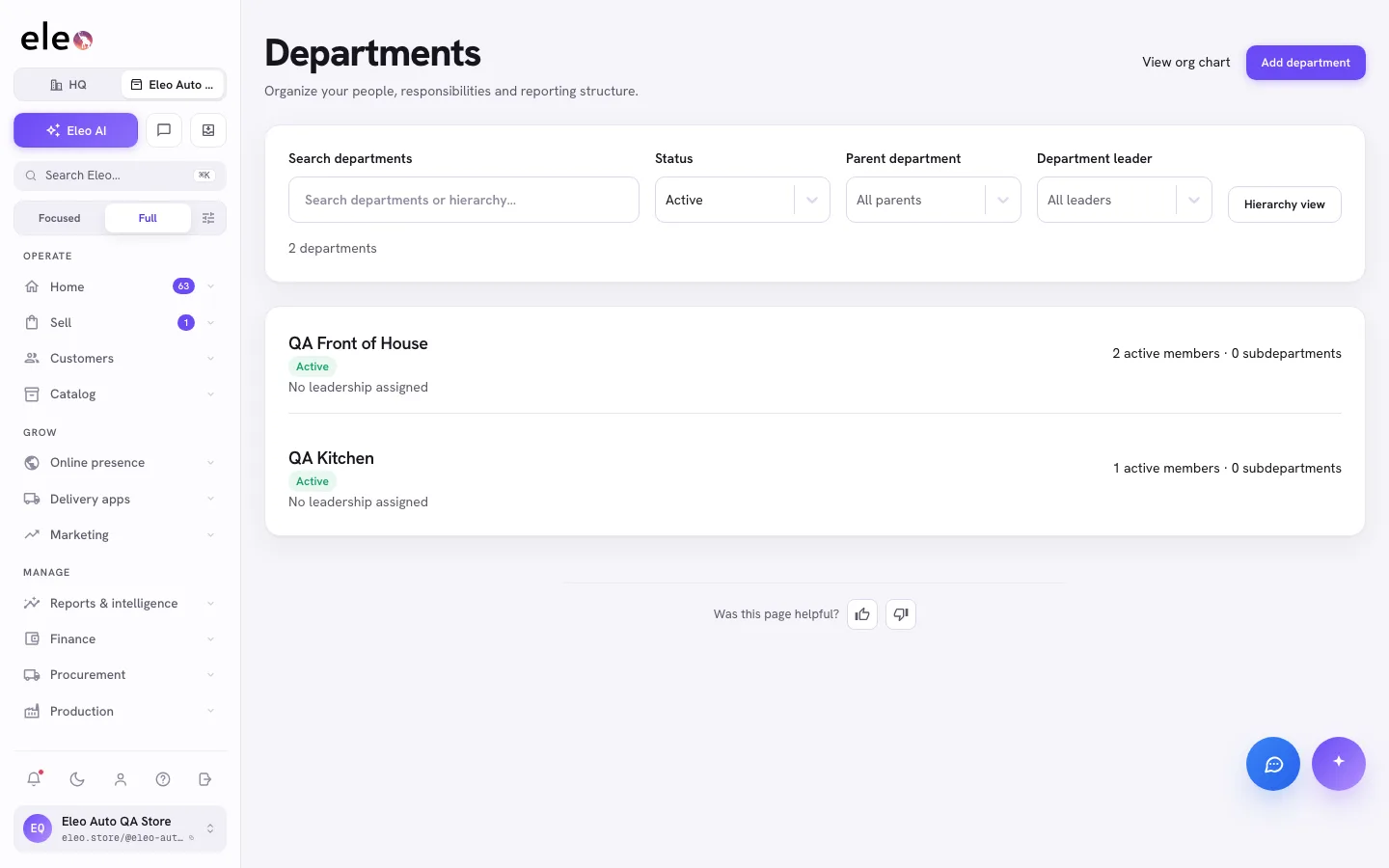
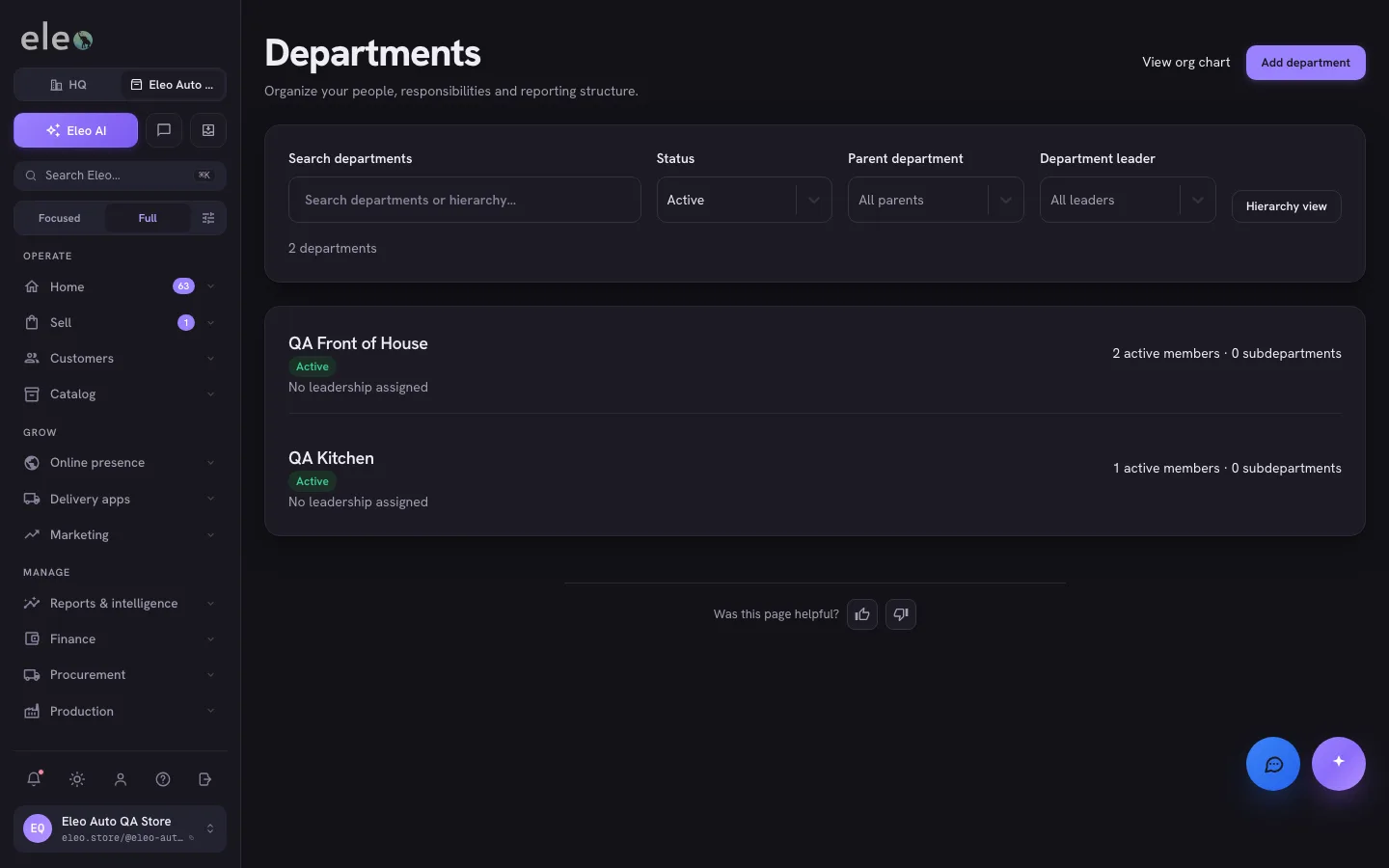
A real Eleo screen, from a demo store.
03 — After the sale
Sales, voids, price changes, stock corrections and approvals each record who made them and when. When something looks wrong, you can see who did it, not just that it happened.
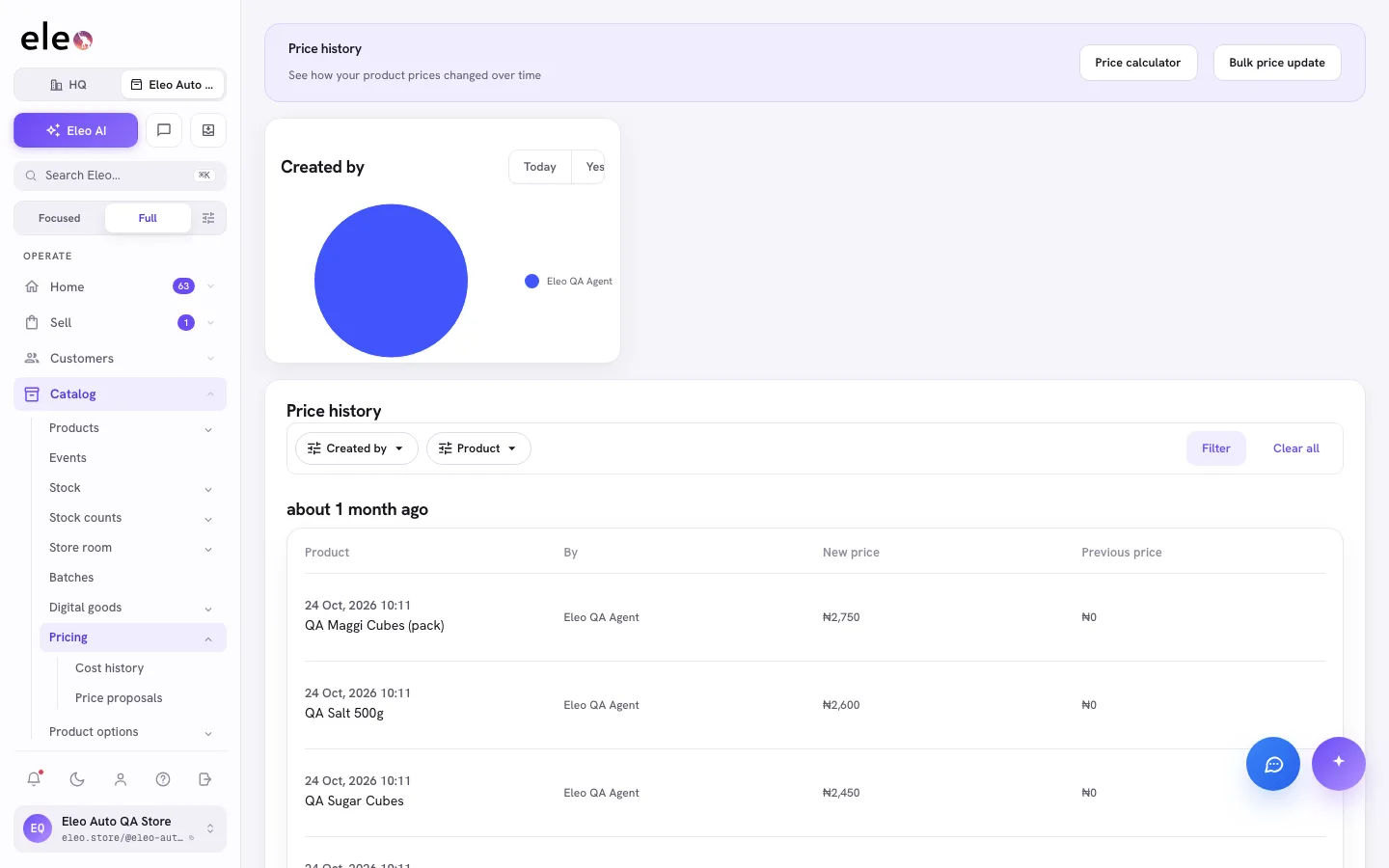
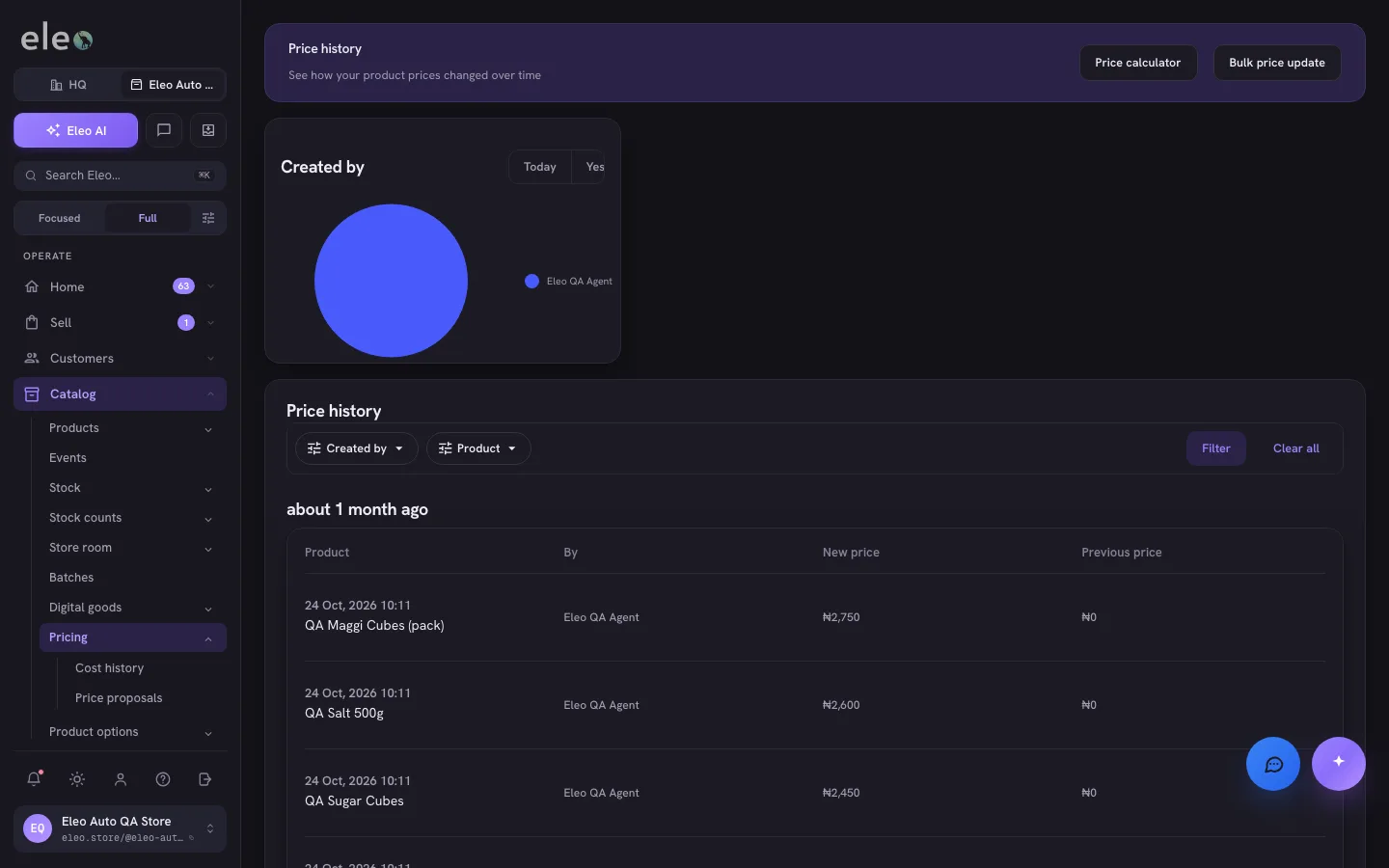
A real Eleo screen, from a demo store.
Each cashier signs in as themselves, so every sale at the till carries their name, and their shift's cash count is theirs.
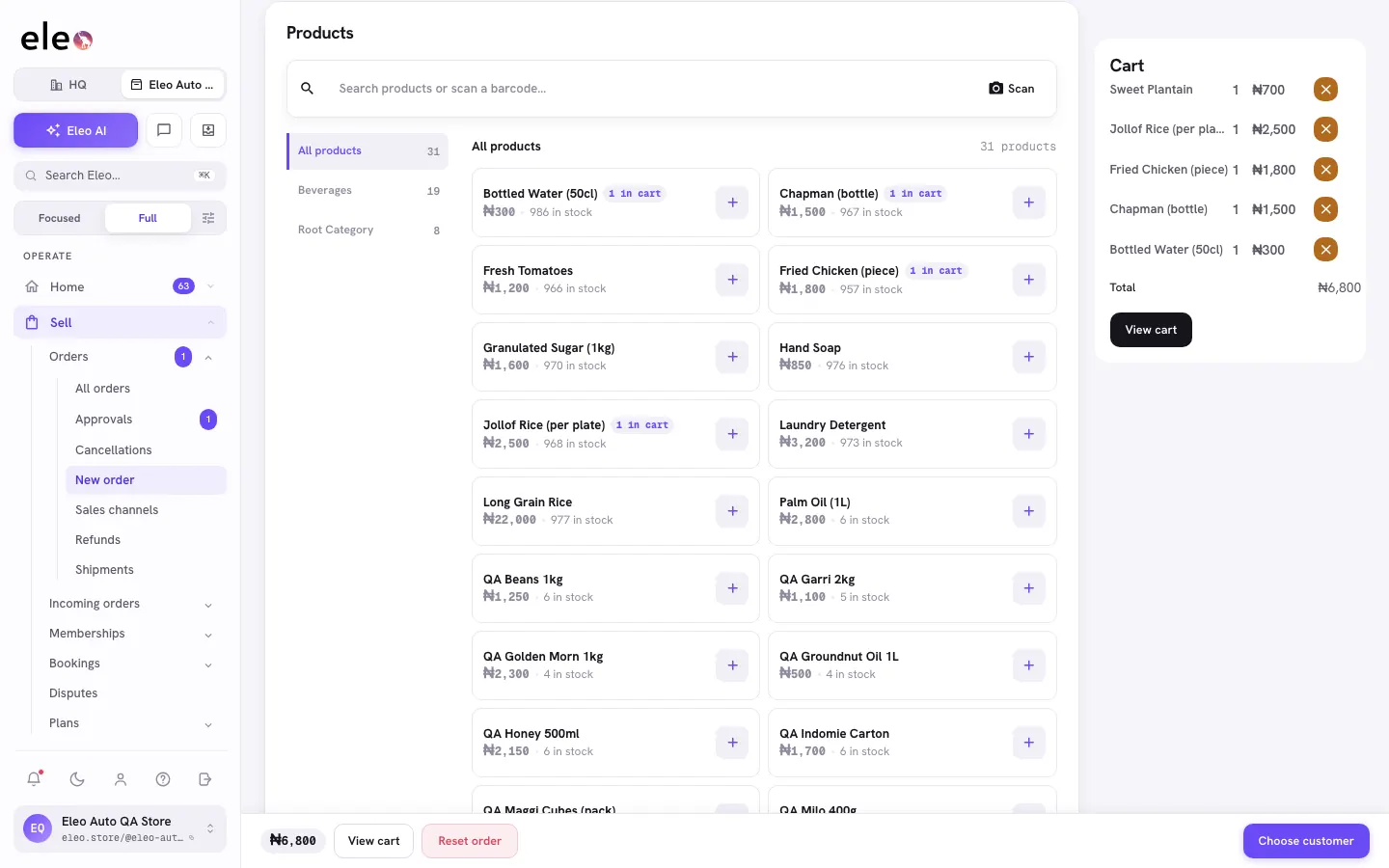
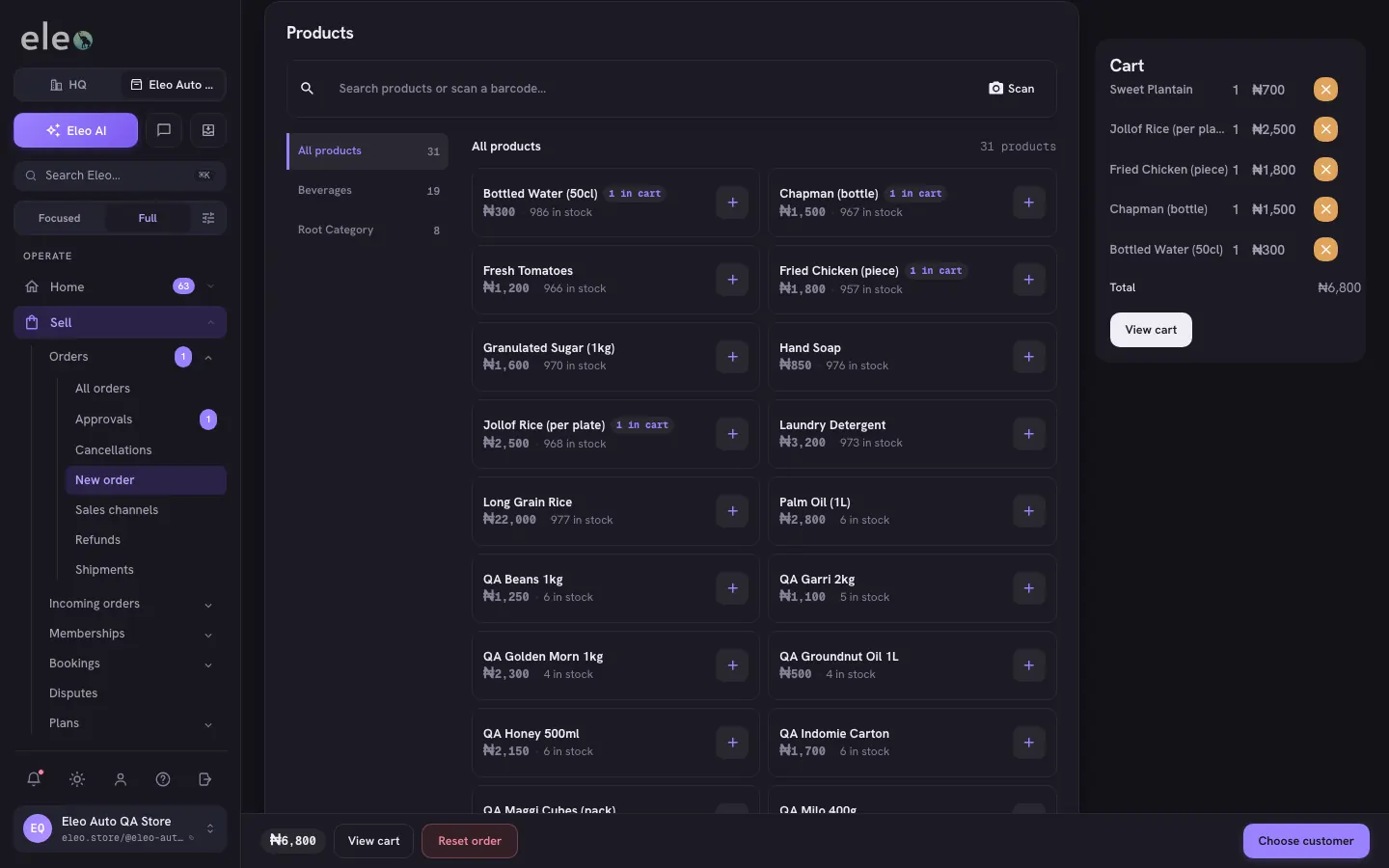
A real Eleo screen, from a demo store.
04 — Who it is for
05 — What to know
Logins, roles, approvals, departments, rotas and payroll work in every country. Staff identity checks and paying staff from Eleo are live in Nigeria today. Availability varies by country.
06 — Questions
Yes. The Cashier role sells and takes payments. Profit, costs and reports are only visible to roles you give them to.
Yes. The Accountant role reads the accounts, expenses, supplier bills, cash and reports, and nothing else.
Yes. Give them a role in each branch, or a role across the business if they cover them all.
Remove them from the team and their login stops working. Everything they did stays on the record with their name.
Yes. The activity record lists each change with who made it and when, and the staff performance report shows each person's orders and sales for any period.
Staff identity checks are live in Nigeria today. Elsewhere, check identity as you do now; Eleo records who has access and what they did.
07 — Part of the whole
Invite the people who work for you, give each one a role, and see every change with a name on it.