

See every branch at once.
Sales against this month's target, stock that needs attention and who is on shift now, for every branch on one screen.
For café, restaurant and bakery groups
Each branch has its own till, stock, recipes, supplier orders, rota and accounts, and you see them all together. No separate till app, stock spreadsheet, rota tool and accounting package to keep in step.
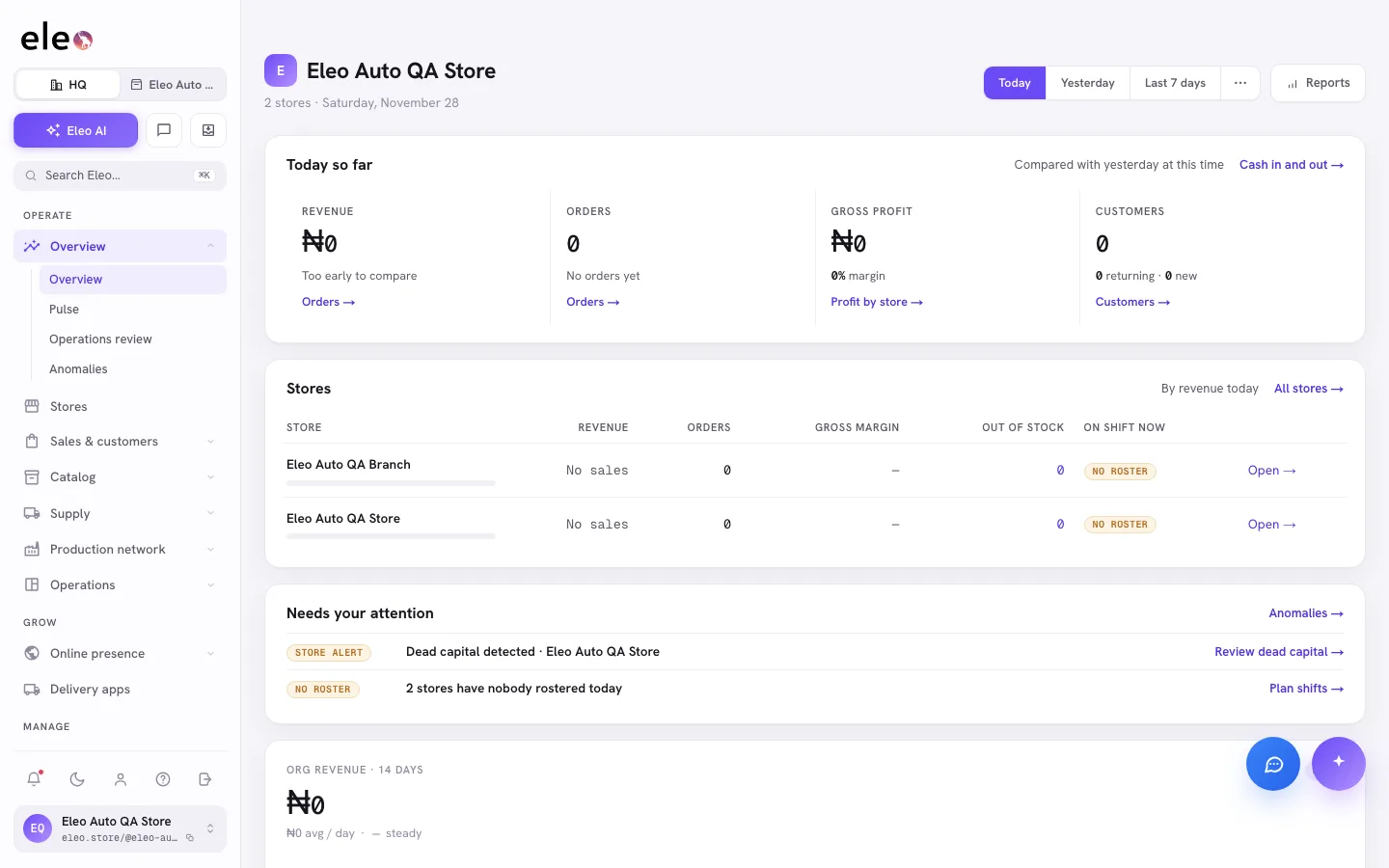
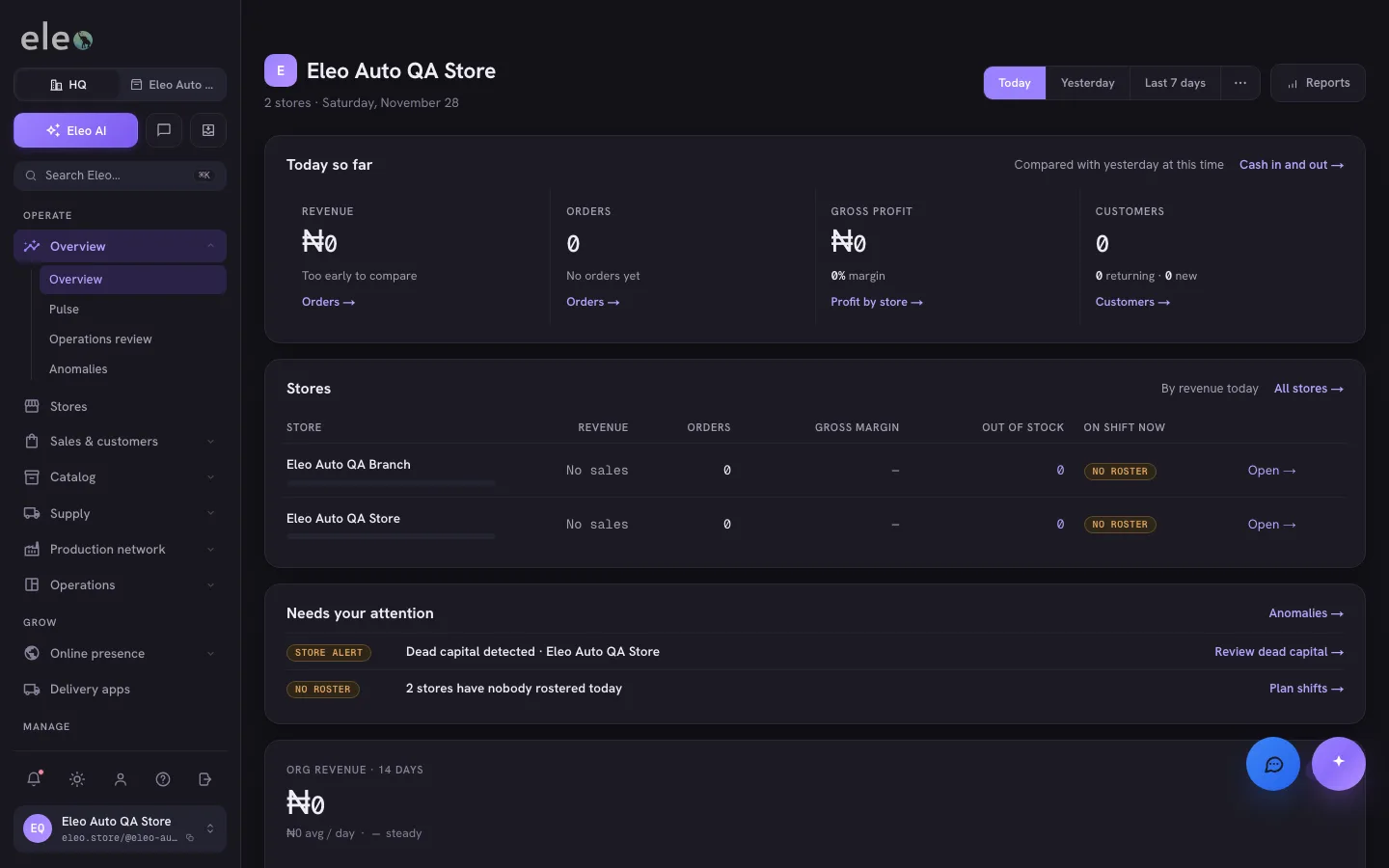
A real Eleo screen, from a demo store.
01 — What it does
Everything a branch manager does in a day, and everything the owner needs to see across the group.
Sales against this month's target, stock that needs attention and who is on shift now, for every branch on one screen.
Write the recipe once. Each batch or dish takes its ingredients out of that branch's stock and shows what it really cost, waste included.
Make it in the central kitchen, then send it to the branches. A transfer shows as on the way until it is received, and short or damaged items are recorded.
Eleo drafts each branch's supplier order from what it sells. A manager checks it, and orders above a value you set wait for approval.
Fill the week from each person's usual shifts, see the days that are short, handle leave and know who is in charge at each branch.
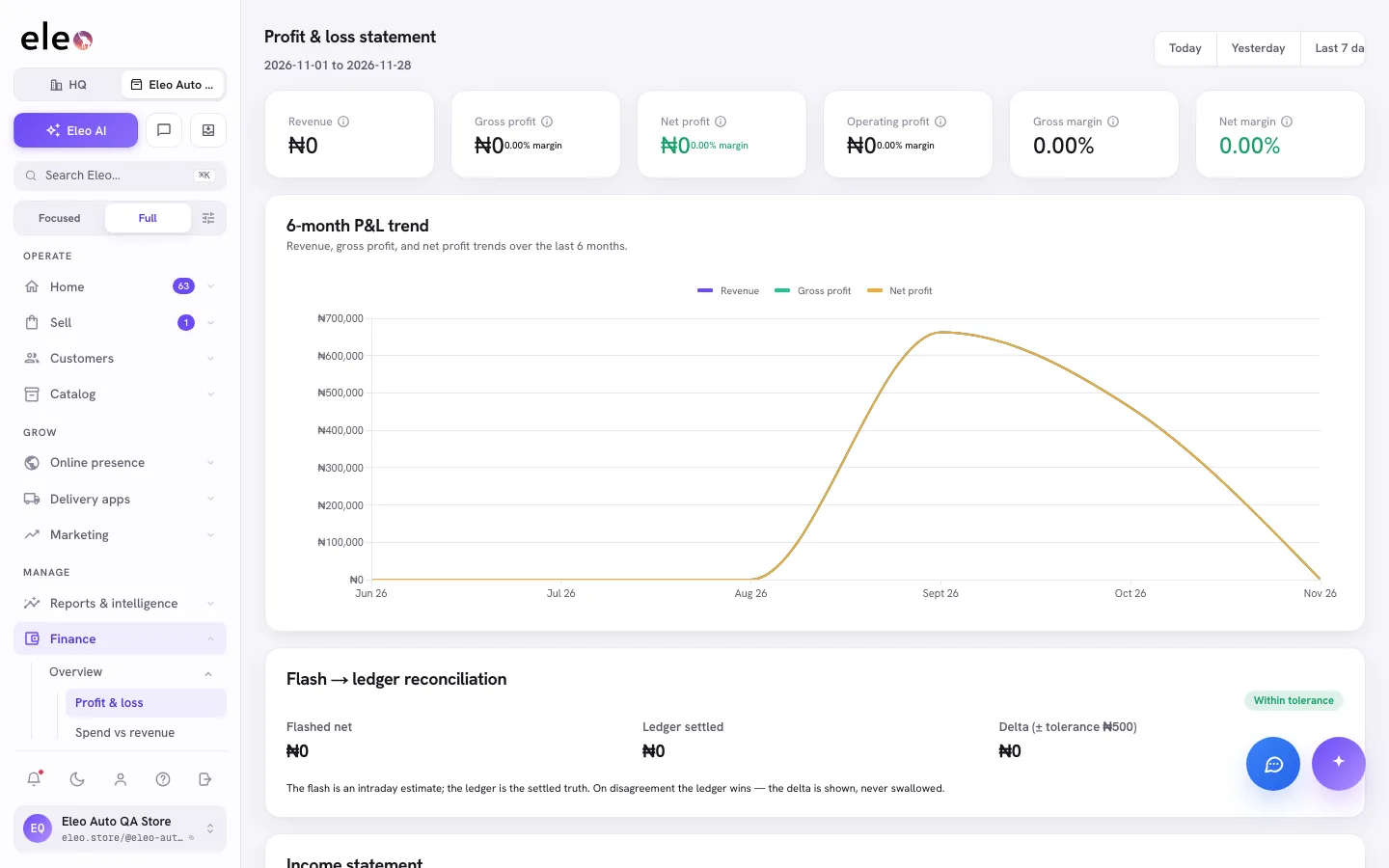
Each branch keeps its own accounts. Profit and loss shows one branch or the whole group, from the same records as the till.
02 — A week in a group
A café group runs three cafés, Harbour, Park and Old Town, and a central kitchen that bakes for all of them. The owner works from the kitchen and visits each café twice a week.
The business-wide view shows the Harbour café behind its monthly target and the Park café low on croissants.
The kitchen runs a work order for 240 croissants. Eleo checks the flour and butter first. Six are burnt and recorded as waste, and 234 go into the kitchen's stock with what each one cost.
The kitchen sends 60 croissants each to Harbour and Old Town, and 110 to Park. Each café receives its transfer, and Old Town records a damaged tray with the reason.
Eleo drafts the Harbour café's milk and coffee order, and the manager sends it. A new barista starts there with a role that shows that café only.
Each manager fills next week's rota from usual shifts. Eleo flags Saturday at Park as short, and the manager moves someone across before publishing.
Profit and loss for the week shows each café and the kitchen side by side, with what the croissants cost to make already counted.
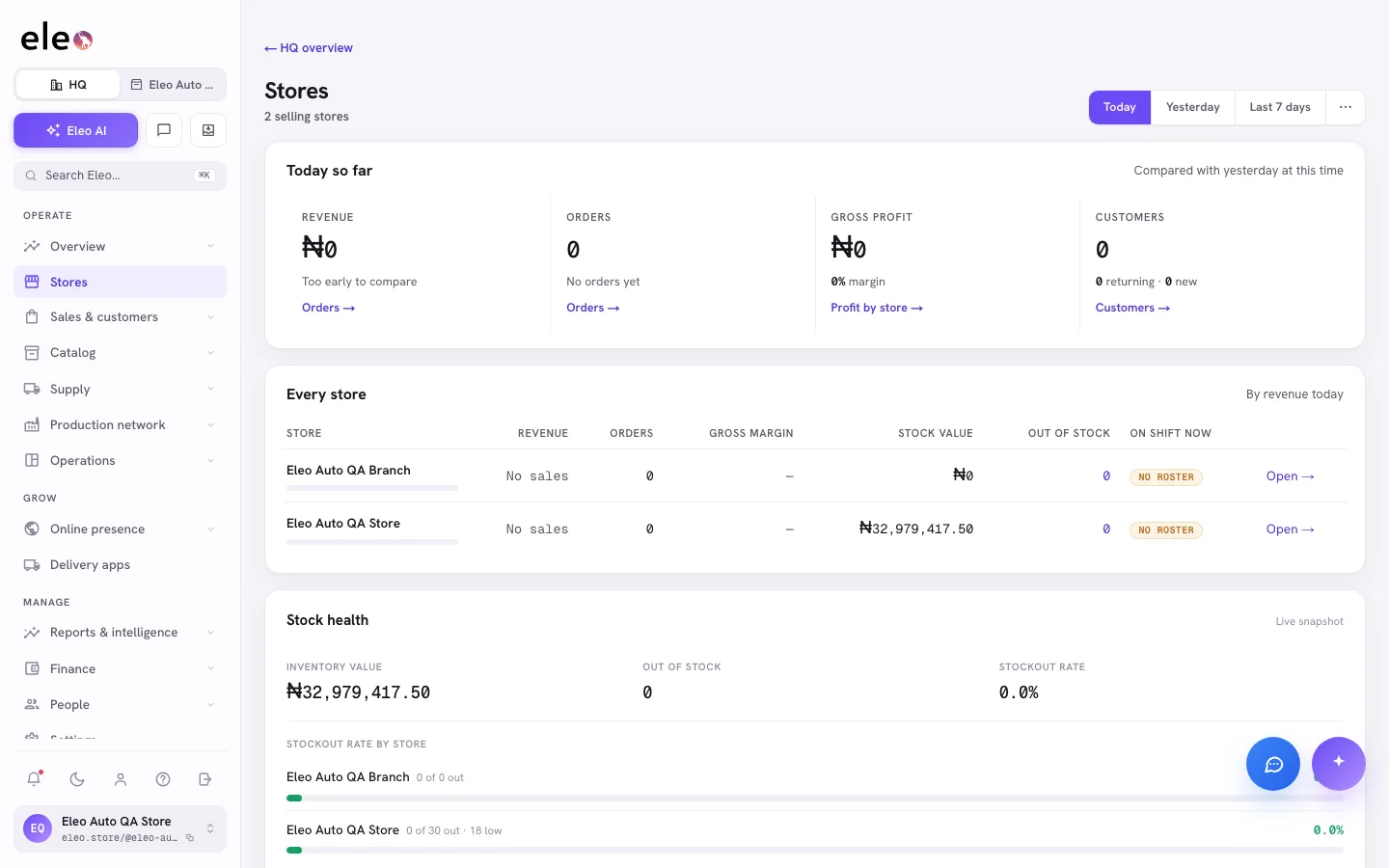
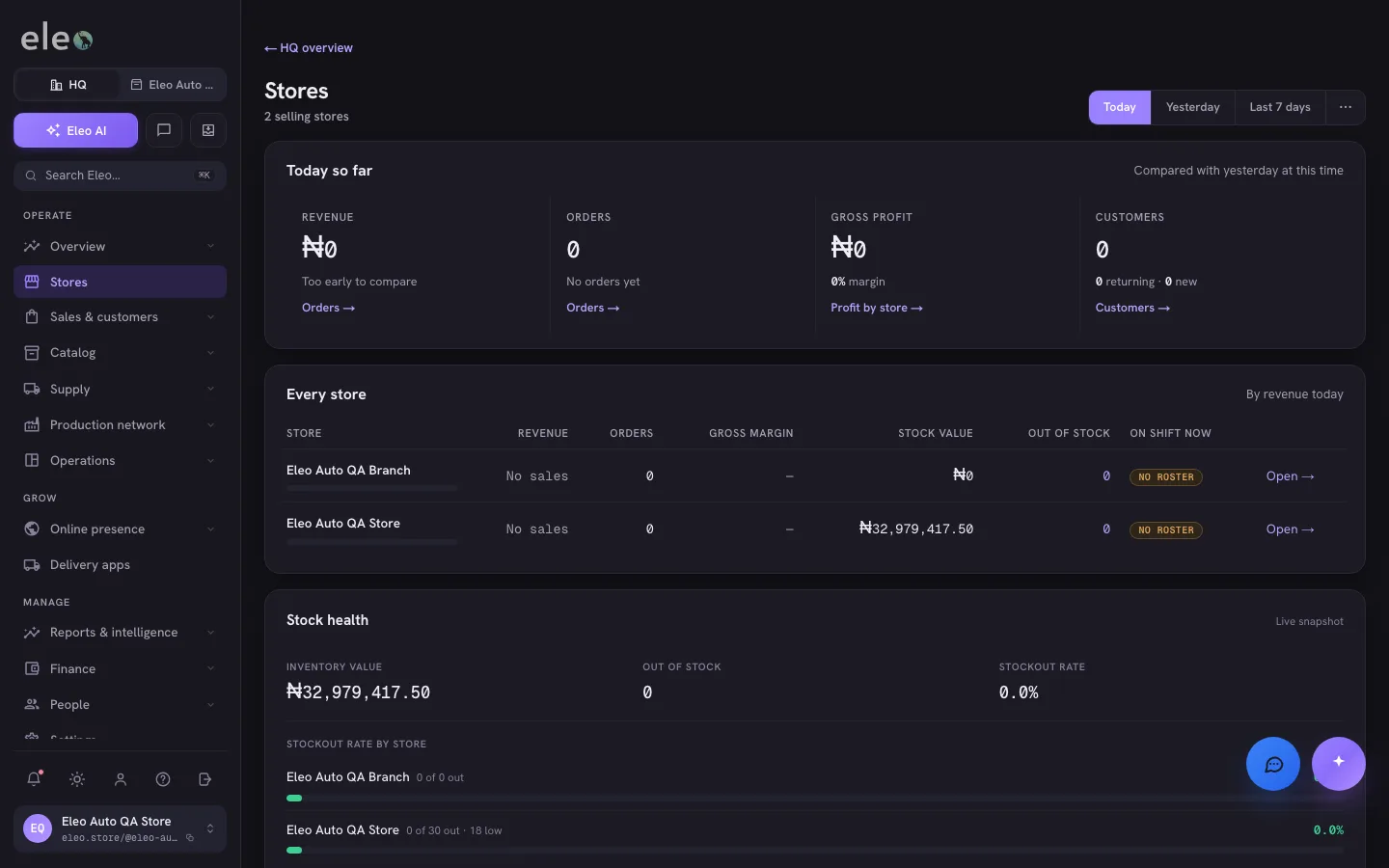
A real Eleo screen, from a demo store.
03 — Behind every branch
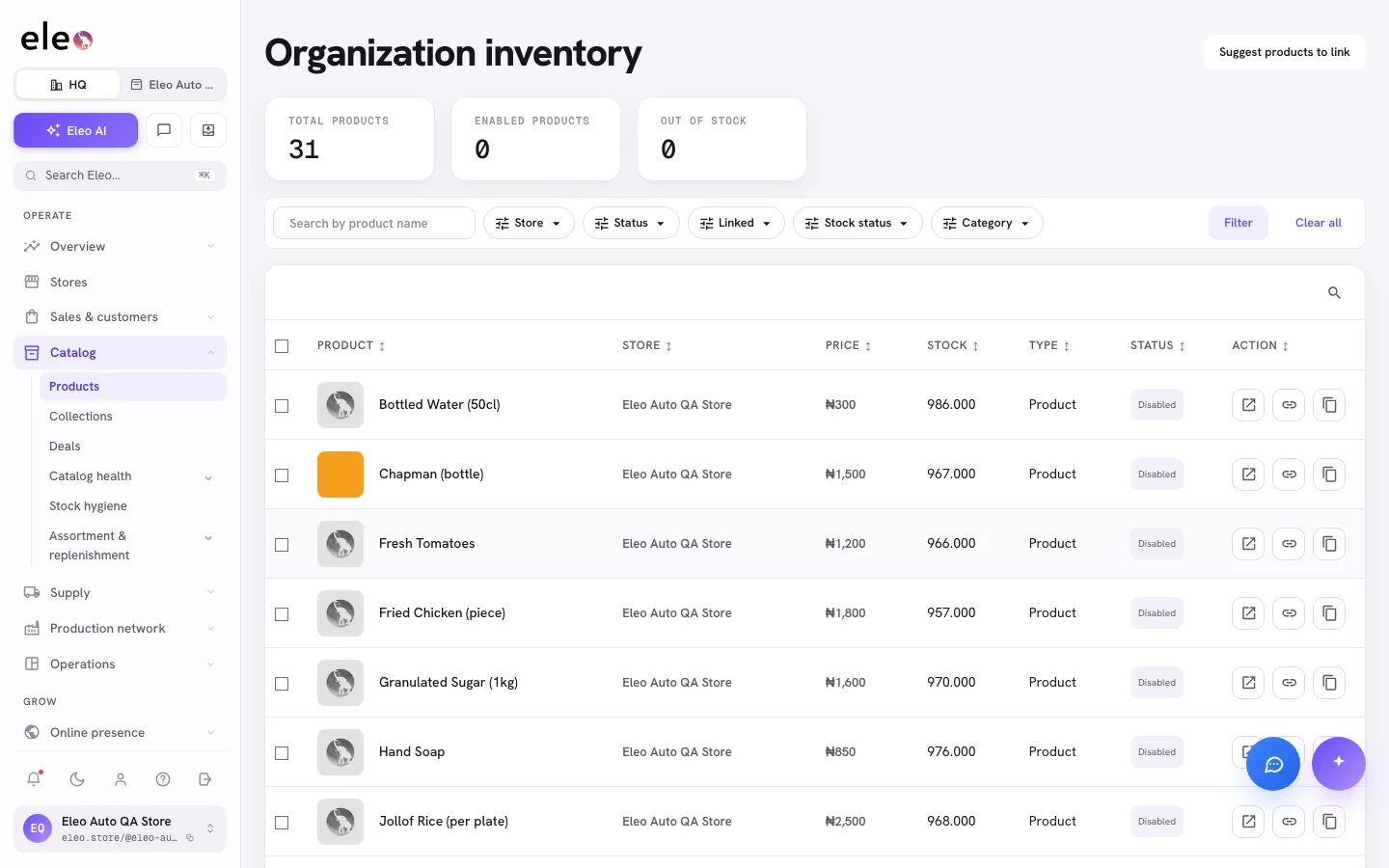
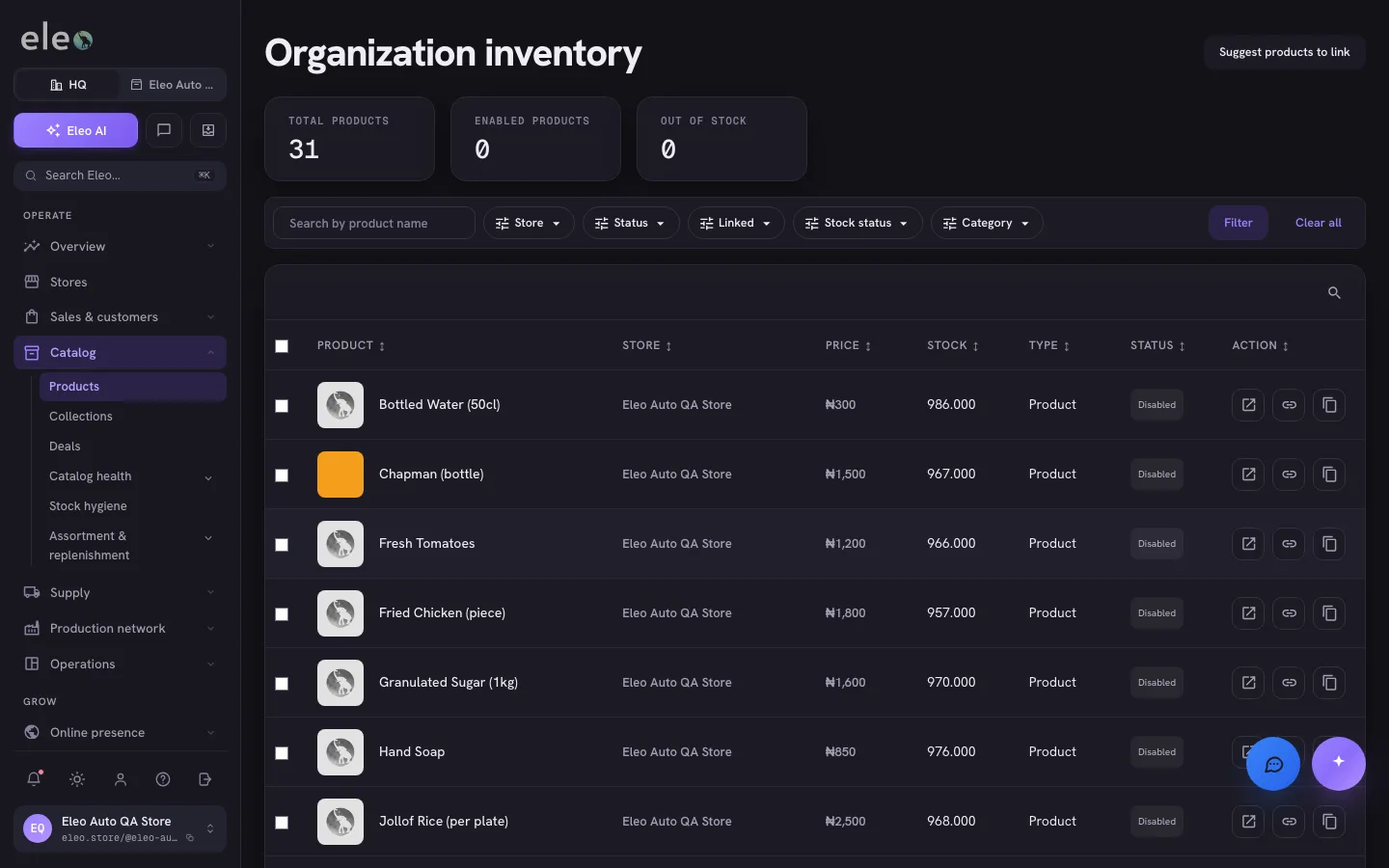
Each product shows what is left in each branch and what is on the way between them, so you move stock before you buy more.
A real Eleo screen, from a demo store.
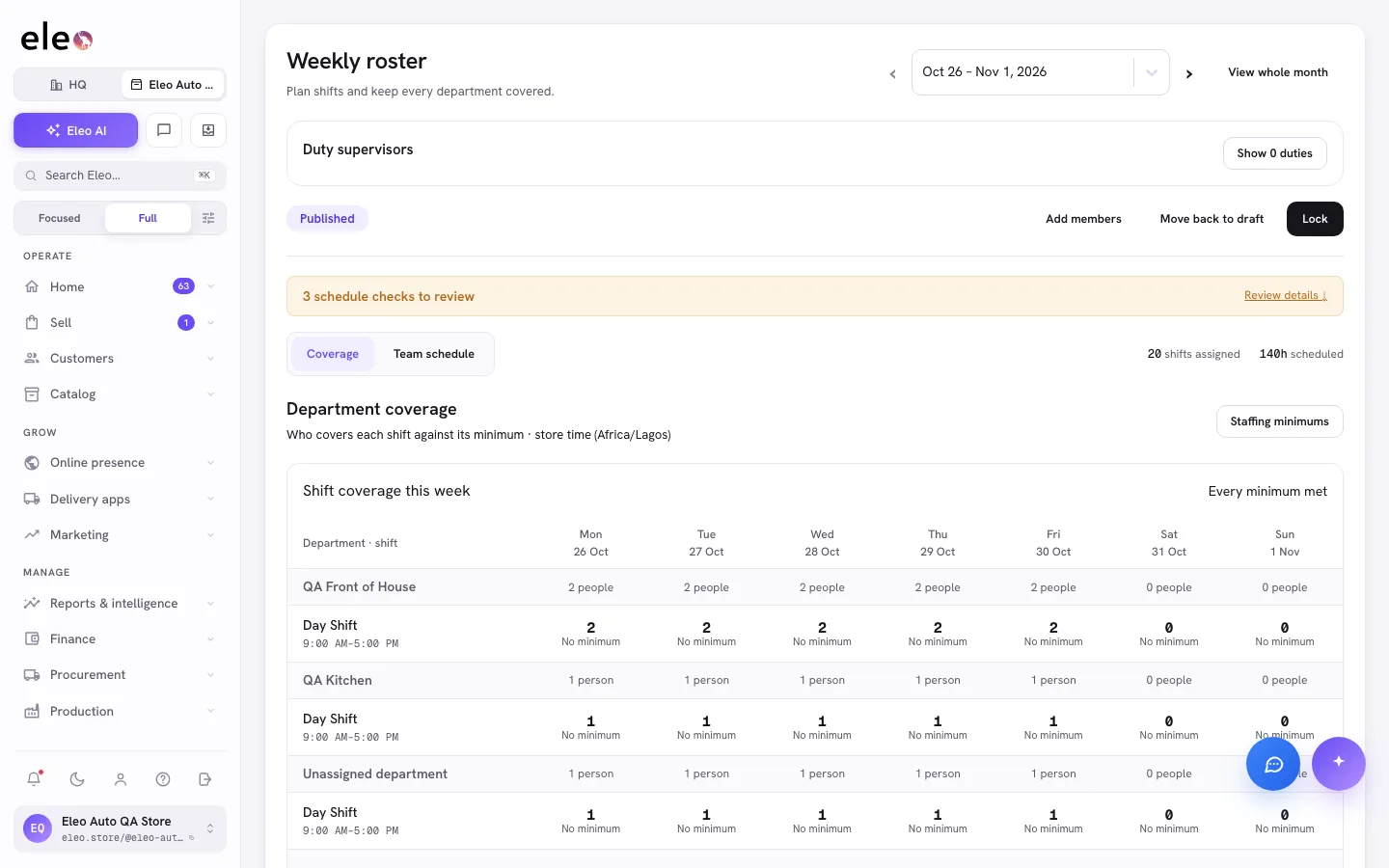
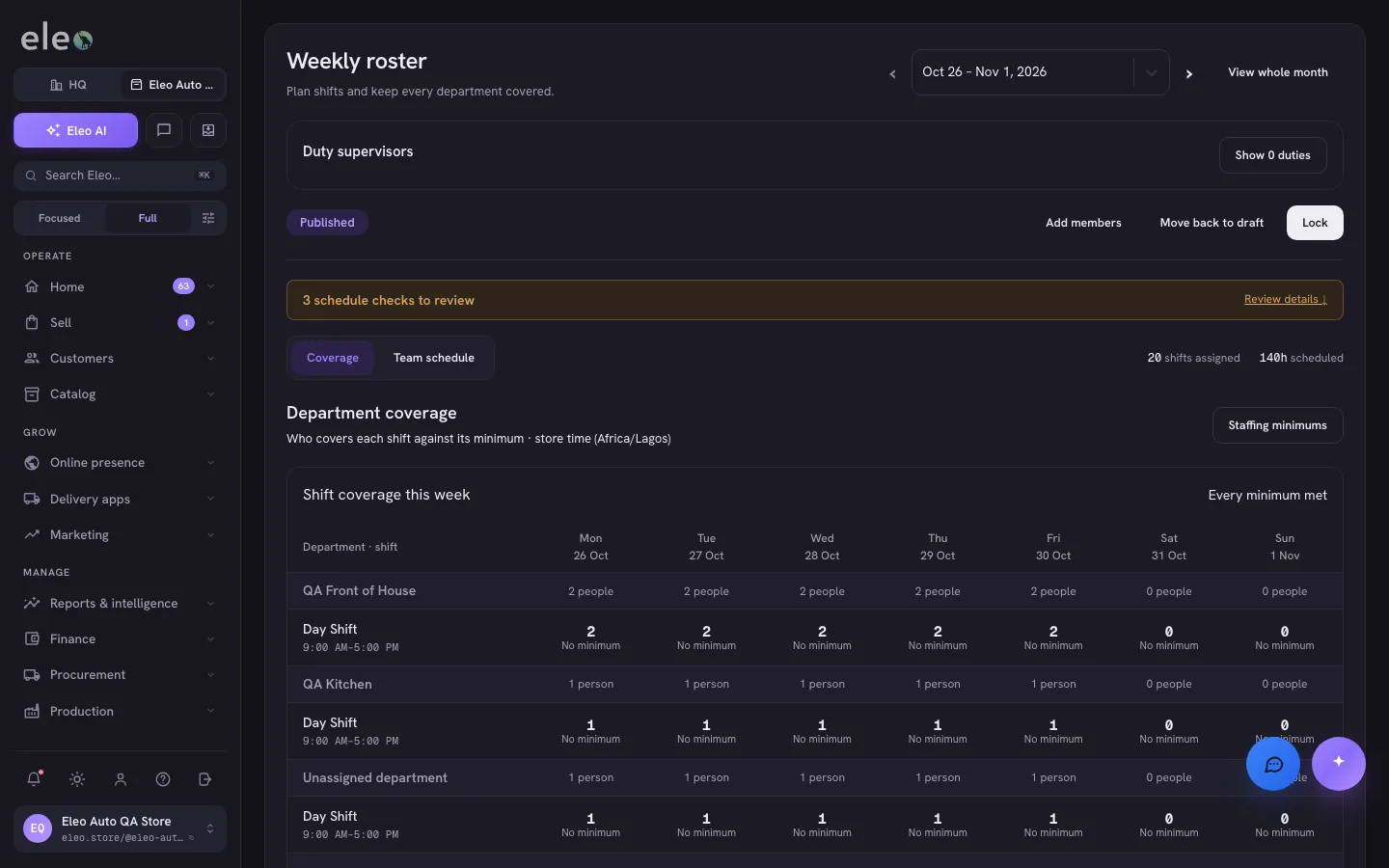
Each branch keeps its own rota, published to staff phones. The same rota decides who is the manager on duty, so each team knows who to ask.
A real Eleo screen, from a demo store.
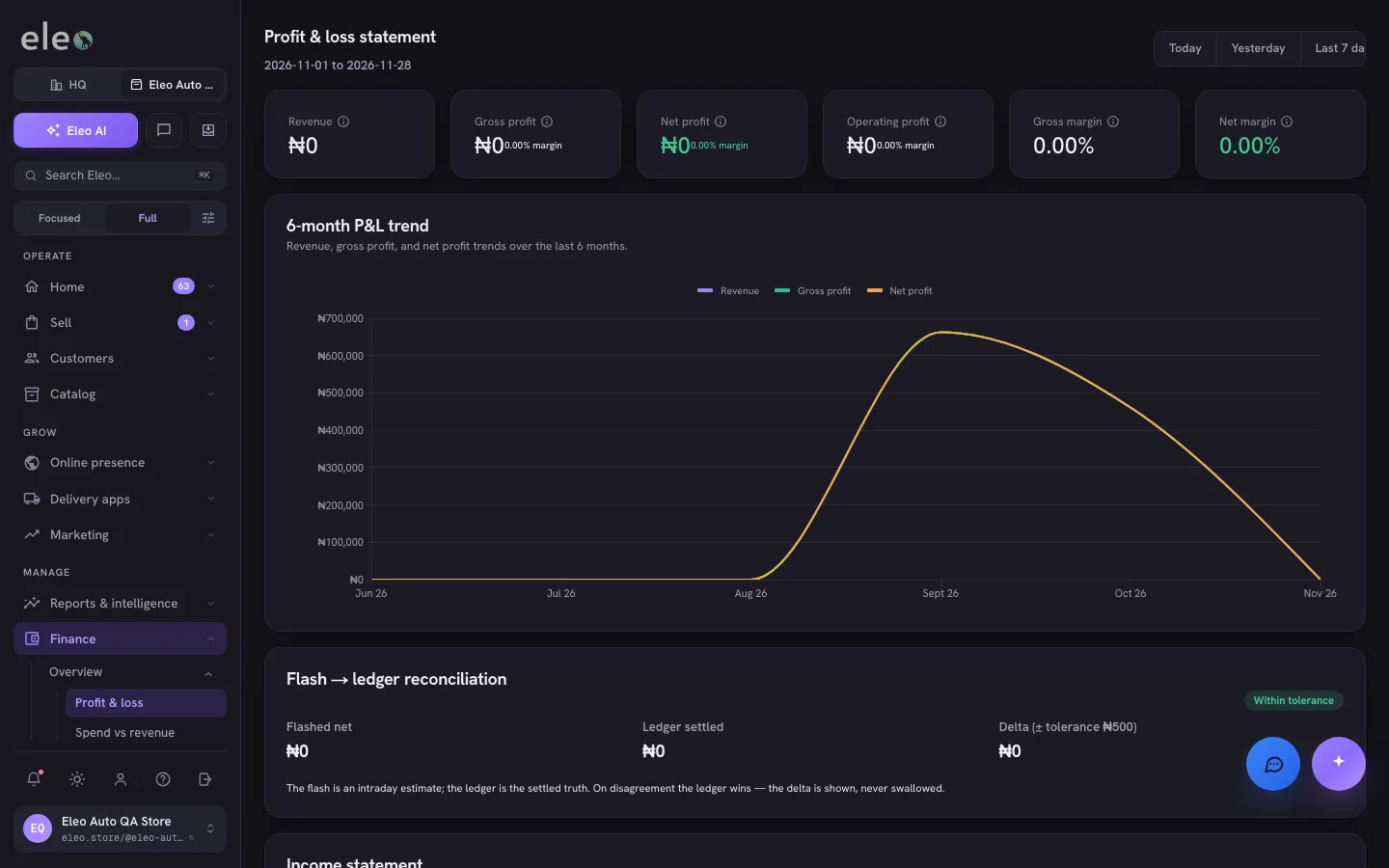
Every sale, expense and supplier bill is recorded in the branch it belongs to, as it happens. See which branch carries the group without exporting a thing.
A real Eleo screen, from a demo store.
04 — Who it is for
05 — What to know
Branches, recipes, transfers, rotas and the accounts work in every country. Wallet, payouts and the Eleo Marketplace are live in Nigeria today. Availability varies by country.
06 — Questions
Every extra store is half price, on the same bill. The pricing page shows the figure for your country.
Yes. Give them a role in that branch only, and they see and do nothing elsewhere. An area manager can be given a role across several branches or the whole business.
Yes. Run the kitchen as its own branch. Its batches take ingredients out of its stock, and transfers move the finished goods to the branches that sell them.
Yes, on the Eleo desktop app for Windows, macOS or Linux: it keeps taking sales and sends them through when the connection comes back. The till in a web browser needs a connection.
Upload a CSV or Excel sheet, or an export file from Square, Shopify, Loyverse or Bumpa, for the first branch. Then copy that branch to set up the others with the same products, prices and till layout.
Each branch has its own country and tax settings. In the US, Canada, the UK and the EU, tax rates come set up; elsewhere you enter your own rates once.
07 — Part of the whole
Bring your products, set up one branch, and copy it to the rest.