

Set up what you sell.
Add each service with its lengths and prices, such as a 60, 90 or 120 minute session, and any choices the customer makes, like which stylist or which room.
Bookings
Customers pick a service, a time and, if they like, a person, then pay when they book on your own website. Every booking lands on one calendar with your sales.
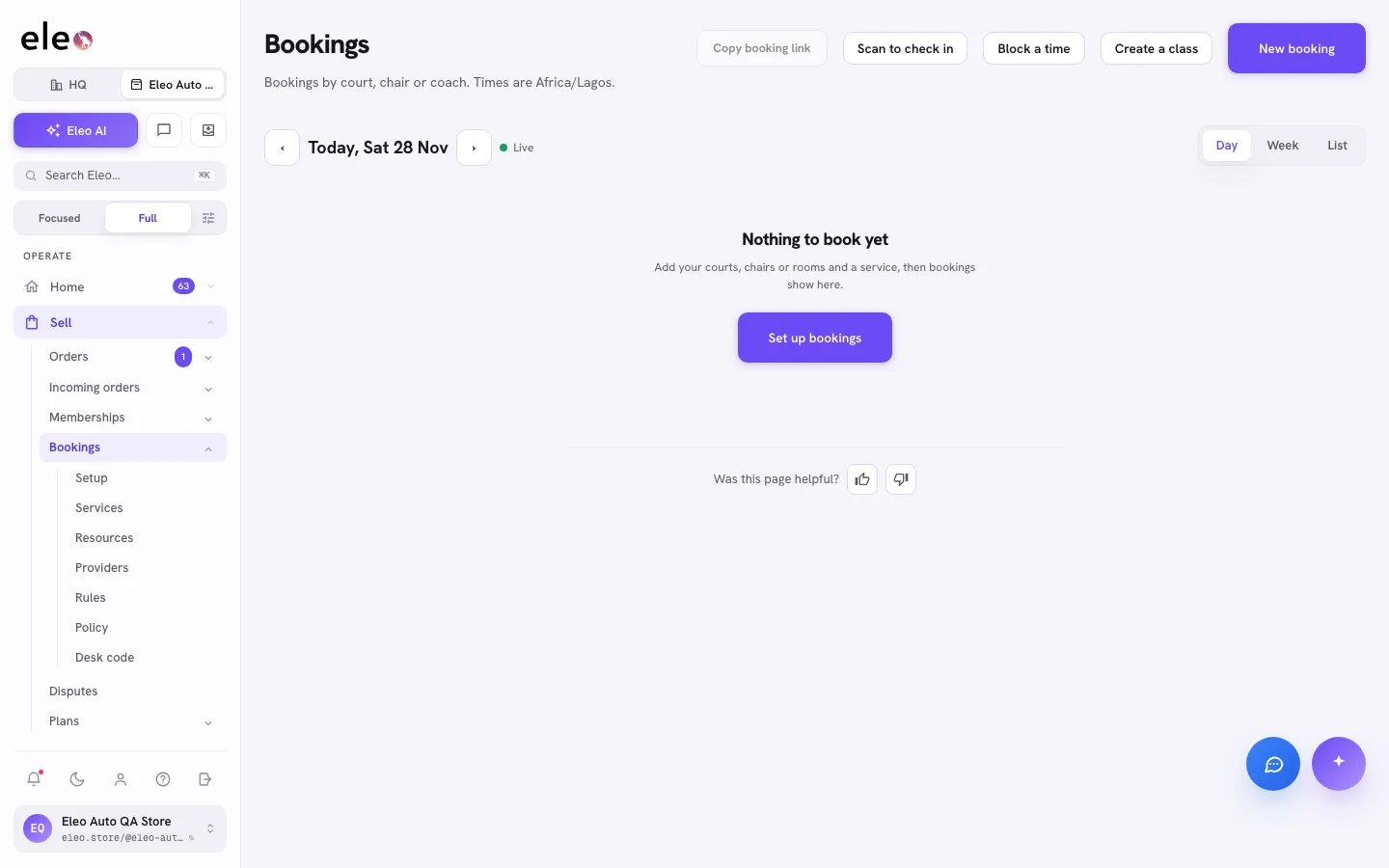
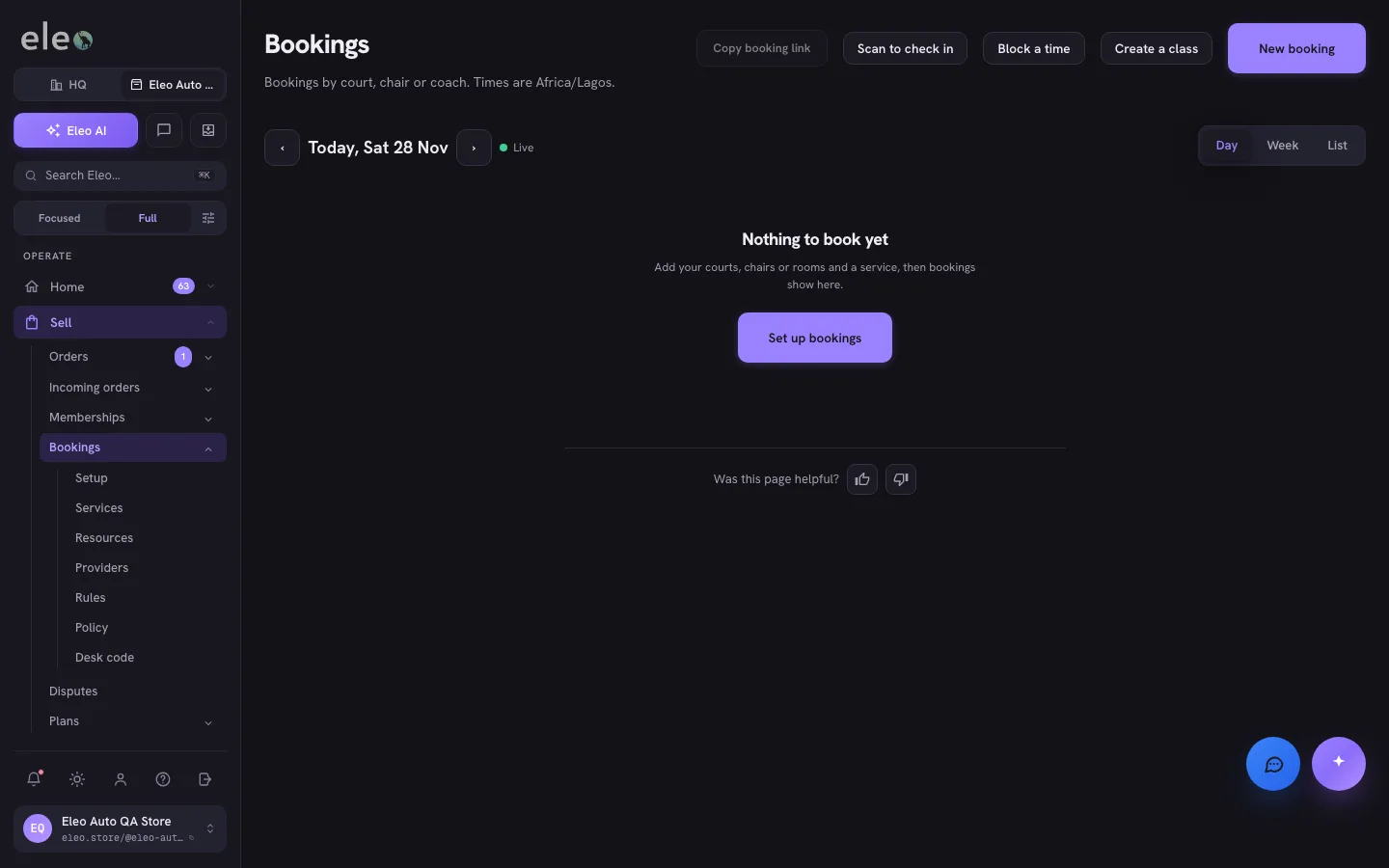
A real Eleo screen, from a demo store.
01 — What it does
Add each service with its lengths and prices, such as a 60, 90 or 120 minute session, and any choices the customer makes, like which stylist or which room.
A booking can take a member of staff, a space such as a chair, a room or a court, or both. Nobody is booked twice for the same time.
Staff can be booked only when the rota has them working and they are not on leave. If that changes, the bookings affected are flagged.
Online bookings are paid at checkout. For walk-ins and phone bookings, take payment now or let them pay on arrival.
Customers get a confirmation, then a reminder a day before and two hours before, by email and app notification. You can change the timing.
Scan the customer's booking code at the desk, or put up a code they scan themselves. No-shows are marked, and your policy decides what is kept.
02 — A day at a salon
A salon with four stylists and two treatment rooms takes most of its bookings online. This is one customer's appointment.
A customer books a 90-minute colour with a named stylist for Wednesday at 14:00 and pays at checkout. The time is held while she pays, then confirmed.
Another stylist asks for Wednesday off. The manager approves it, and Eleo shows that none of her bookings clash. Wednesday's free times update.
At 14:00 the customer gets a reminder with the time and the stylist. She gets another at 12:00 on Wednesday.
She scans the code on the front desk when she arrives. The stylist sees she is in, and the booking moves to checked in.
The stylist marks the booking complete. It is already an order in Eleo, so the sale is in today's takings and on the customer's history.
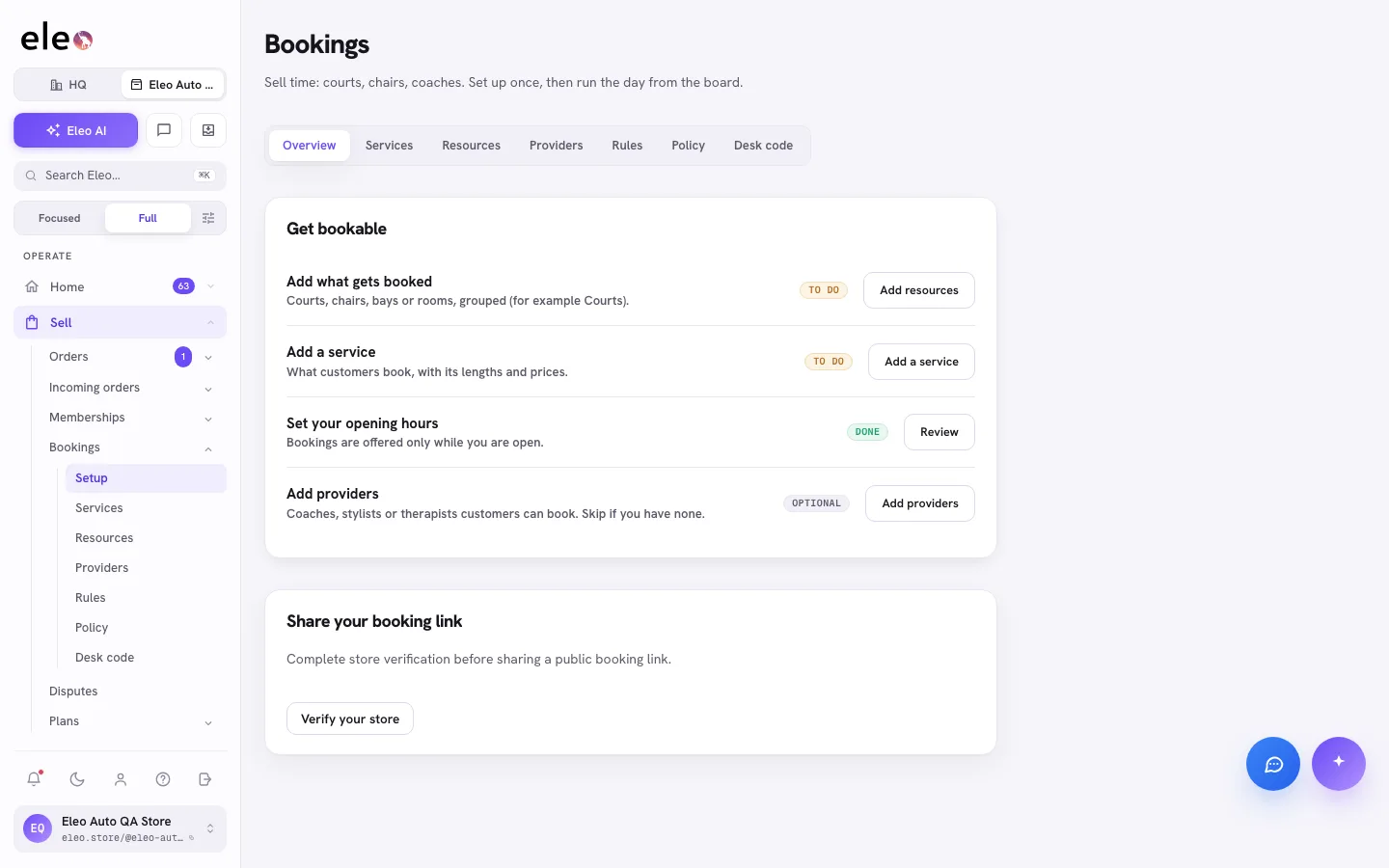
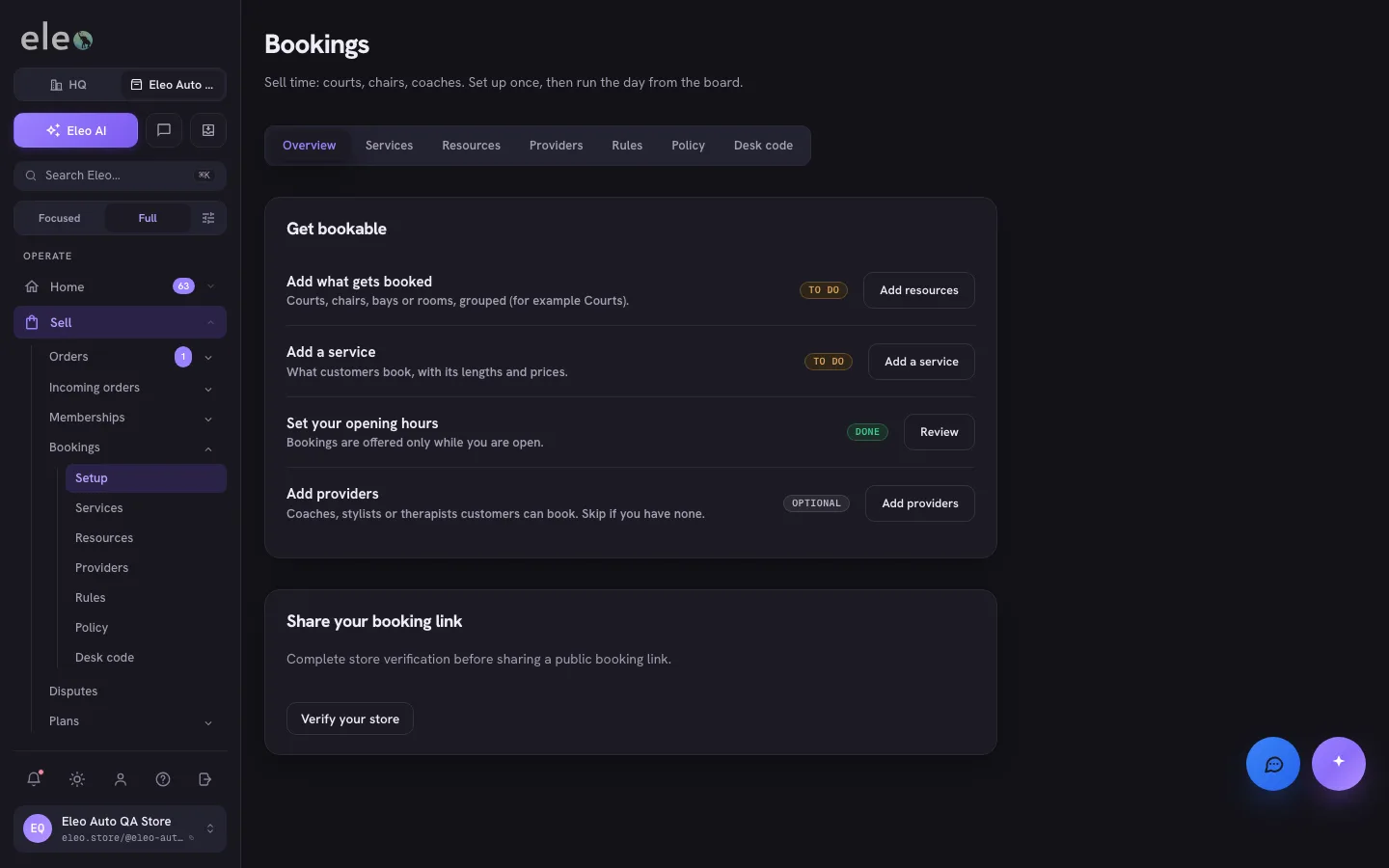
A real Eleo screen, from a demo store.
03 — Around the booking
Close times for a holiday or private hire, charge more for evening slots, or limit how many of one service you take a day. Rules can cover the whole shop, one service, one space or one person.
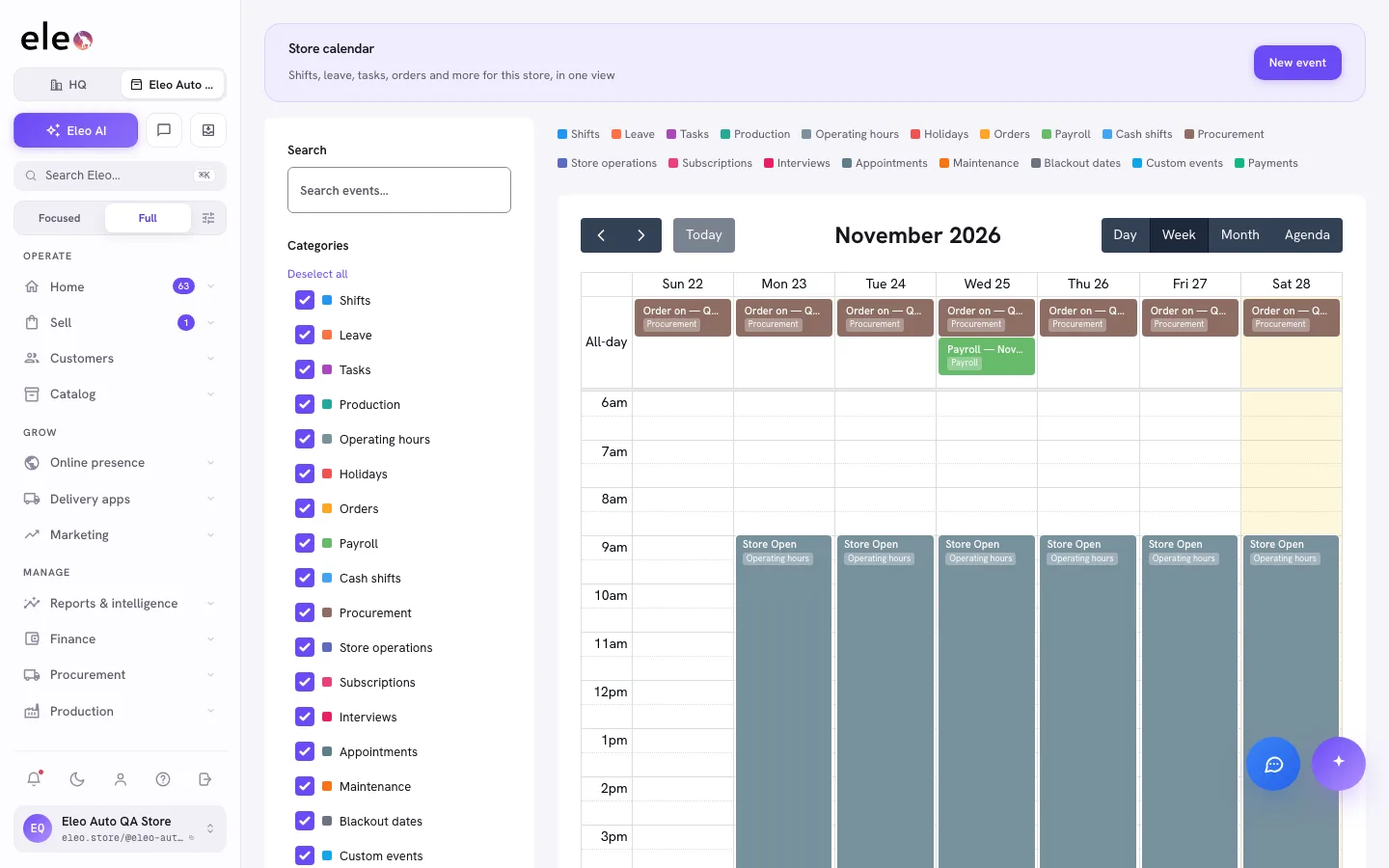
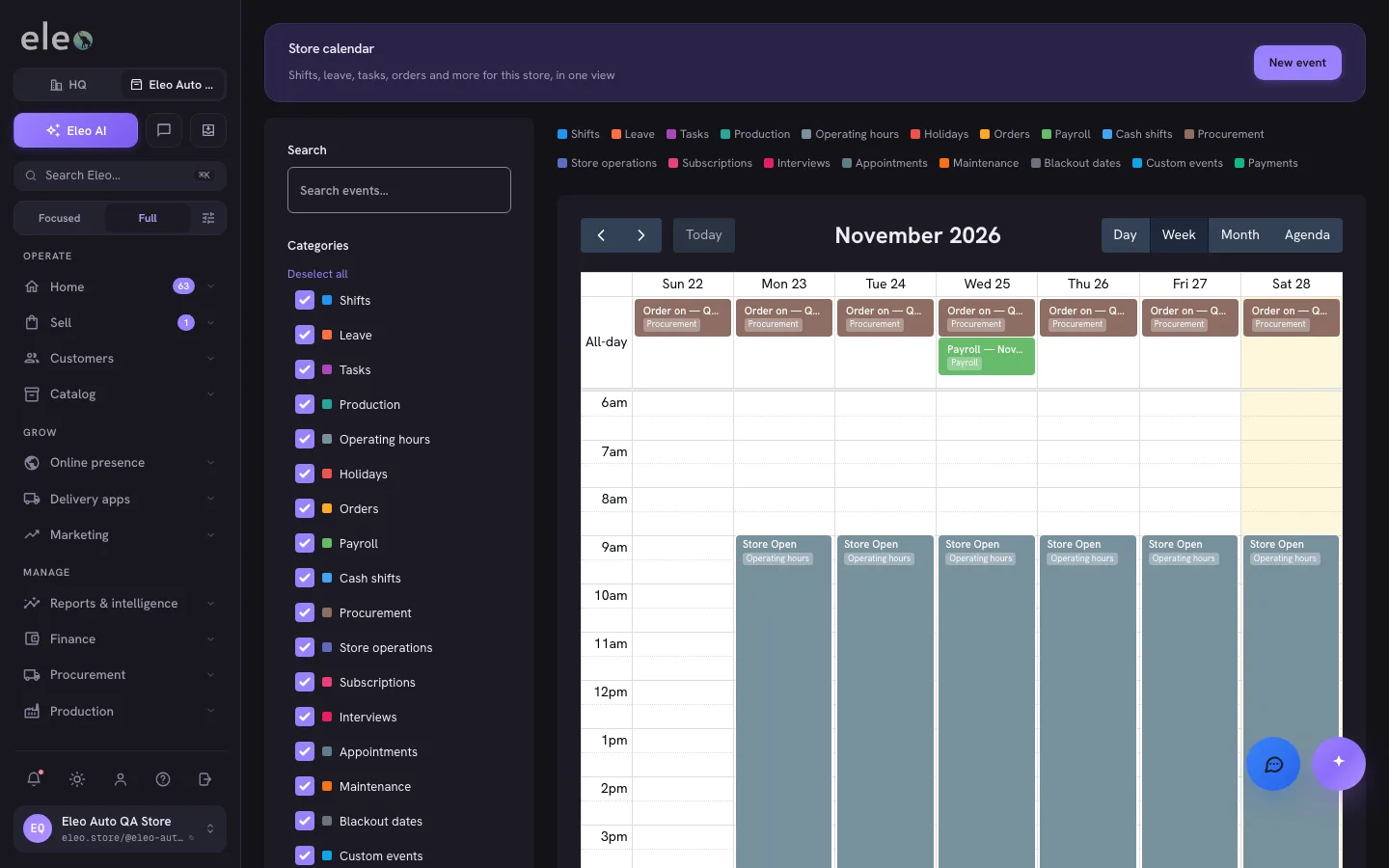
A real Eleo screen, from a demo store.
Run a session with several places, such as a class or an open match. Customers book a place each, and Eleo flags a session that has not reached its minimum.
A real Eleo screen, from a demo store.
04 — Who it is for
05 — What to know
Bookings work in every country, online through your own website and in person. The Eleo Marketplace, payment links and wallet refunds are live in Nigeria today. Availability varies by country.
06 — Questions
Yes, if you allow it. Otherwise Eleo picks someone free, sharing bookings evenly or in the order you set.
Your policy decides. Set how many hours before the booking a customer can cancel for a full refund, and how much you keep for a late cancellation or a no-show.
Yes. Staff add them to the same calendar, so online customers cannot book the same time.
Yes. A paid booking becomes an order in Eleo, so it shows in your takings, your accounts and the customer's history.
Yes. Services sit in your product list beside everything else you sell, from one set of records.
07 — Part of the whole
Add your services, set your hours and rules, and share your booking page.