

One account per business customer.
Each trade customer has one account across all your branches, with their orders, payments and what they owe in one place.
Wholesale
Take bulk orders from shops, restaurants and offices beside your retail sales. Give trusted customers an account and a credit limit, let them pay later, and see what each one owes, from the same stock and the same books.
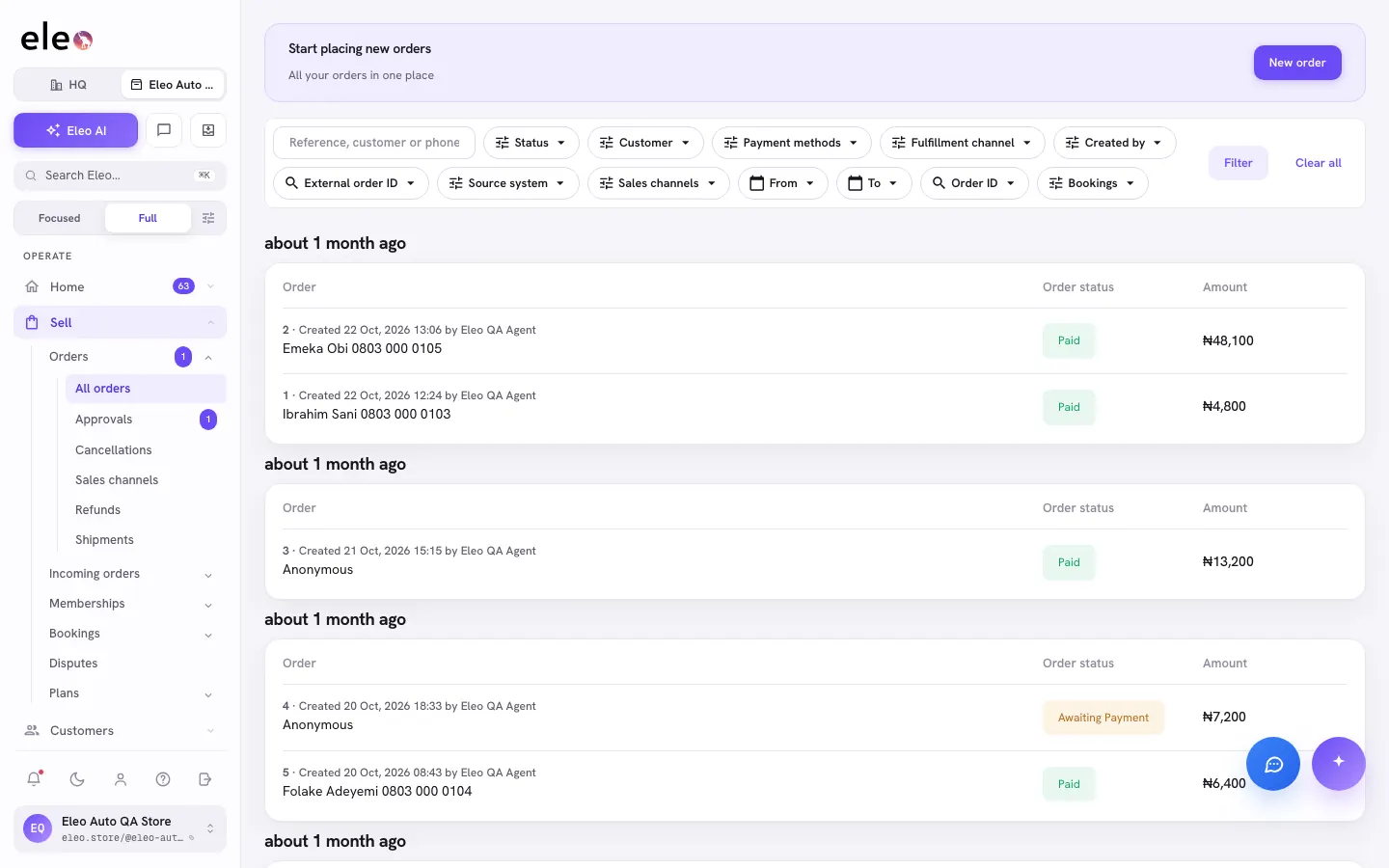
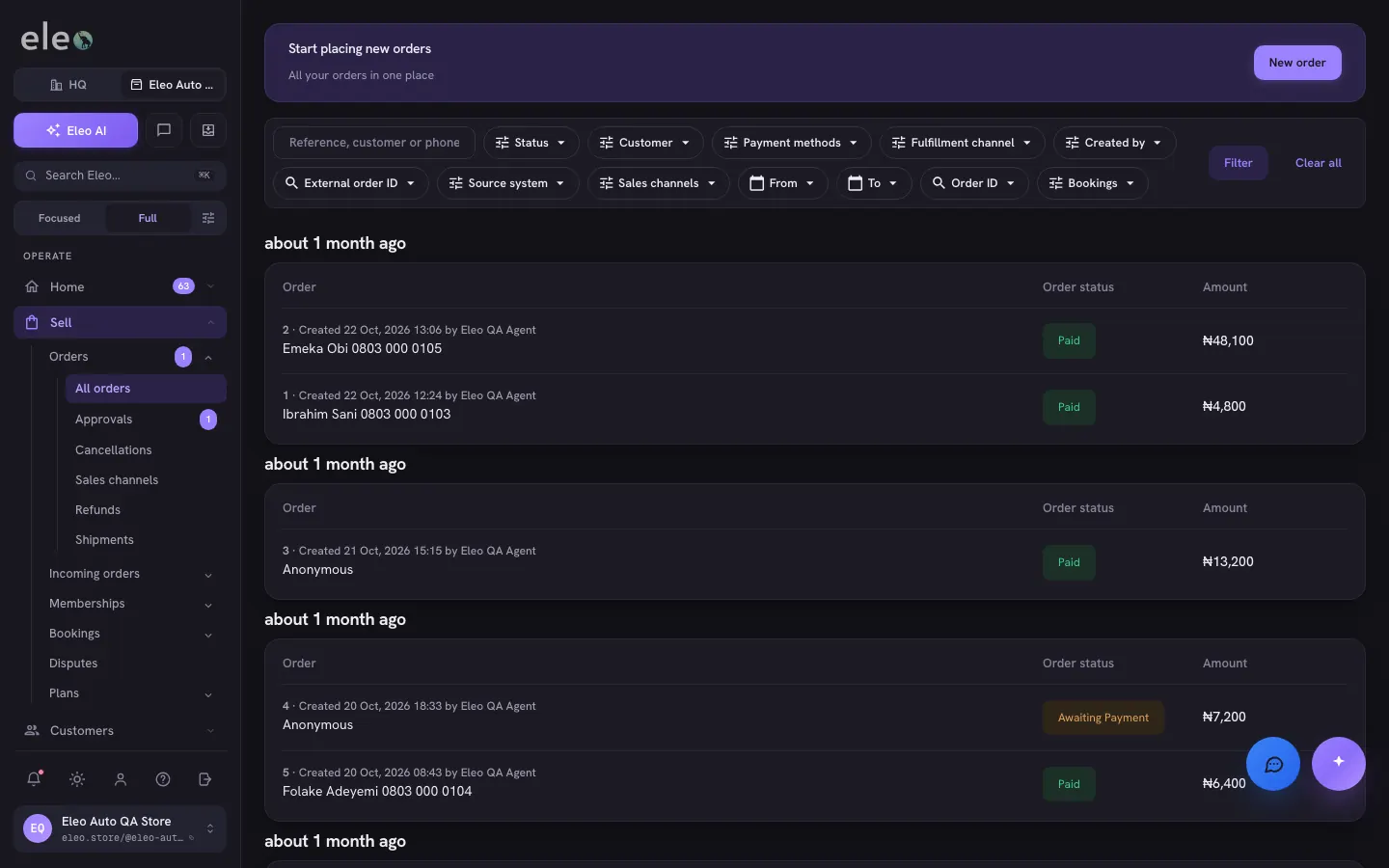
A real Eleo screen, from a demo store.
01 — What it does
Each trade customer has one account across all your branches, with their orders, payments and what they owe in one place.
Set a credit limit for a customer, or none. Eleo holds back an order that would take them over it, and you can suspend an account that has stopped paying.
Accept an order with a balance owing. When the money comes, record it against the orders it pays, in part or in full.
Give a better price for bigger orders: a percentage off above a quantity or an order size, set in tiers and applied to the order when it qualifies.
Every invoice carries a number from one unbroken sequence, with tax worked out for the customer's class, including customers who are exempt.
Put trade orders through their own sales channel, choose which staff can take them, and see wholesale sales on their own in your reports.
02 — A week of trade orders
A drinks distributor with a warehouse and a small shop sells to three restaurants on account. Each has a credit limit set by the owner.
The first restaurant phones in 20 cases of water and 10 of soft drinks. The sales lead keys it into the wholesale channel. The order is within the restaurant's limit, so it goes through with the balance owing.
The van delivers the cases and the invoice. The stock leaves the warehouse count, the same one the shop sells from.
The second restaurant orders 50 cases. The sales lead applies the volume deal for 40 cases or more, and the percentage comes off the order with no sum worked out by hand.
The third restaurant's new order would take it over its limit. Eleo holds it back, and the owner calls the customer about last month's balance.
The first restaurant pays part of what it owes by transfer. The payment is recorded against Monday's order, and its statement shows what is left.
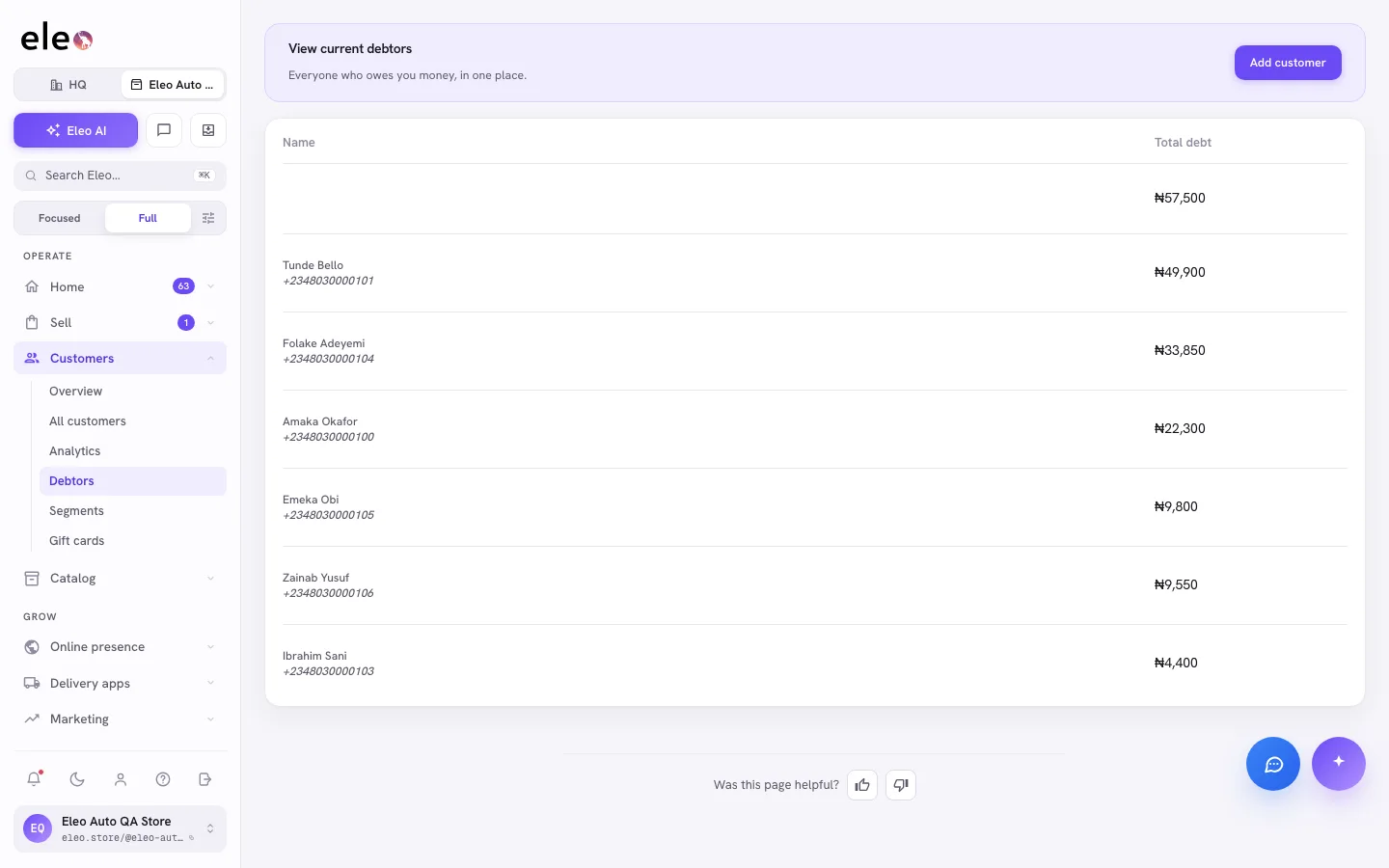
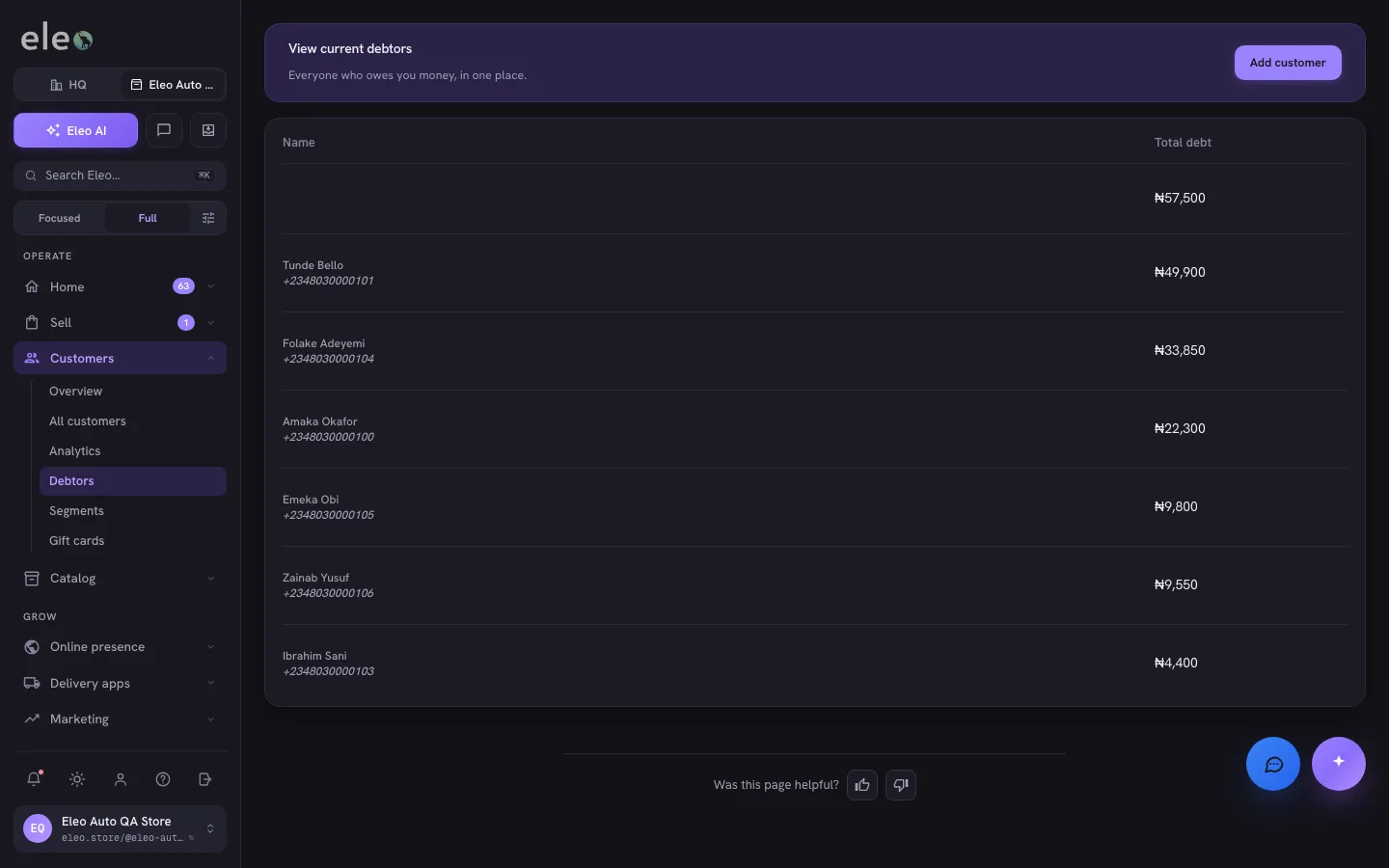
A real Eleo screen, from a demo store.
03 — After the order
Each account shows the orders still owing and the payments made against them. Open the statement when you chase a balance.
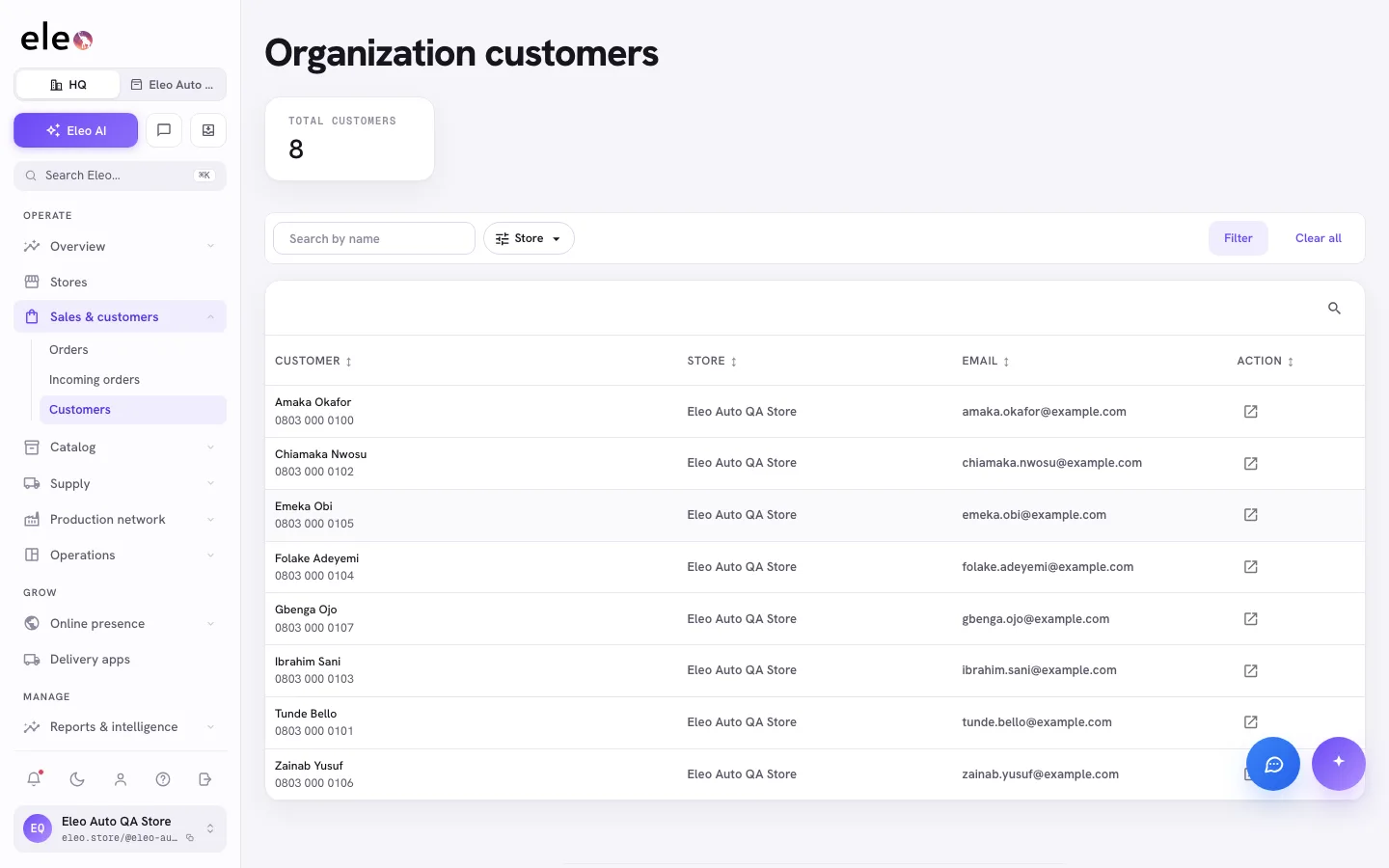
A real Eleo screen, from a demo store.
Wholesale and retail sales come off the same stock and are recorded in the same accounts. A payment taken in one branch for an order from another is still booked to the right place.
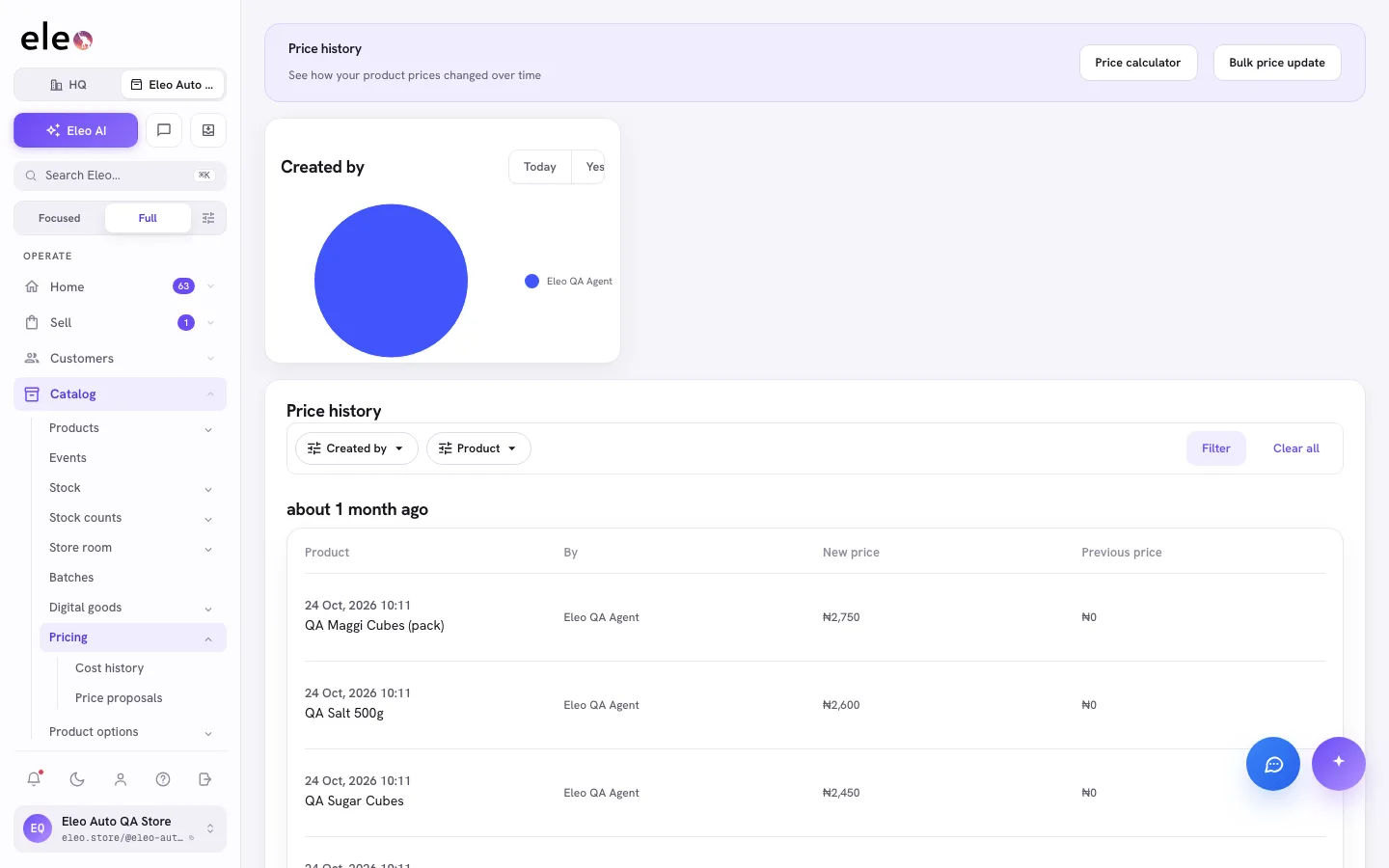
A real Eleo screen, from a demo store.
04 — Who it is for
If a notebook of who owes what sits beside your till, or trade orders live in a separate spreadsheet, this puts them on the same records as the shop.
05 — What to know
Customer accounts, credit limits, pay-later orders, volume deals and invoices work in every country. E-invoicing and payment links are live in Nigeria today. Availability varies by country.
06 — Questions
Not through a trade portal. They can order on your website like any customer, or your team takes the order and keys it into the wholesale channel.
Yes. Accept the order with a balance owing, then record payments against it as they come in. A credit limit stops a customer owing more than you allow.
Yes. Both sell from the same stock count in each branch, so a case sold to a restaurant is a case the shop cannot sell.
Yes, by order size. Set a volume deal with tiers by quantity or order value. Separate price lists for each customer are not available.
Yes. Mark a customer as tax exempt, or put them in a wholesale tax class, and their invoices are worked out to match.
Yes. Put trade orders through their own sales channel. Reports split sales by channel, so you can see what wholesale brings in each week, which customers order most and what is still owed, beside the shop's sales and from the same stock.
07 — Part of the whole
Open an account for your first trade customer, set a limit, and take their next order.