

Open and close the same way.
Add ready-made opening, closing and cash-up checklists for a shop, a grocery or a kitchen, then change them to suit you. They appear each day at opening time.
Operations
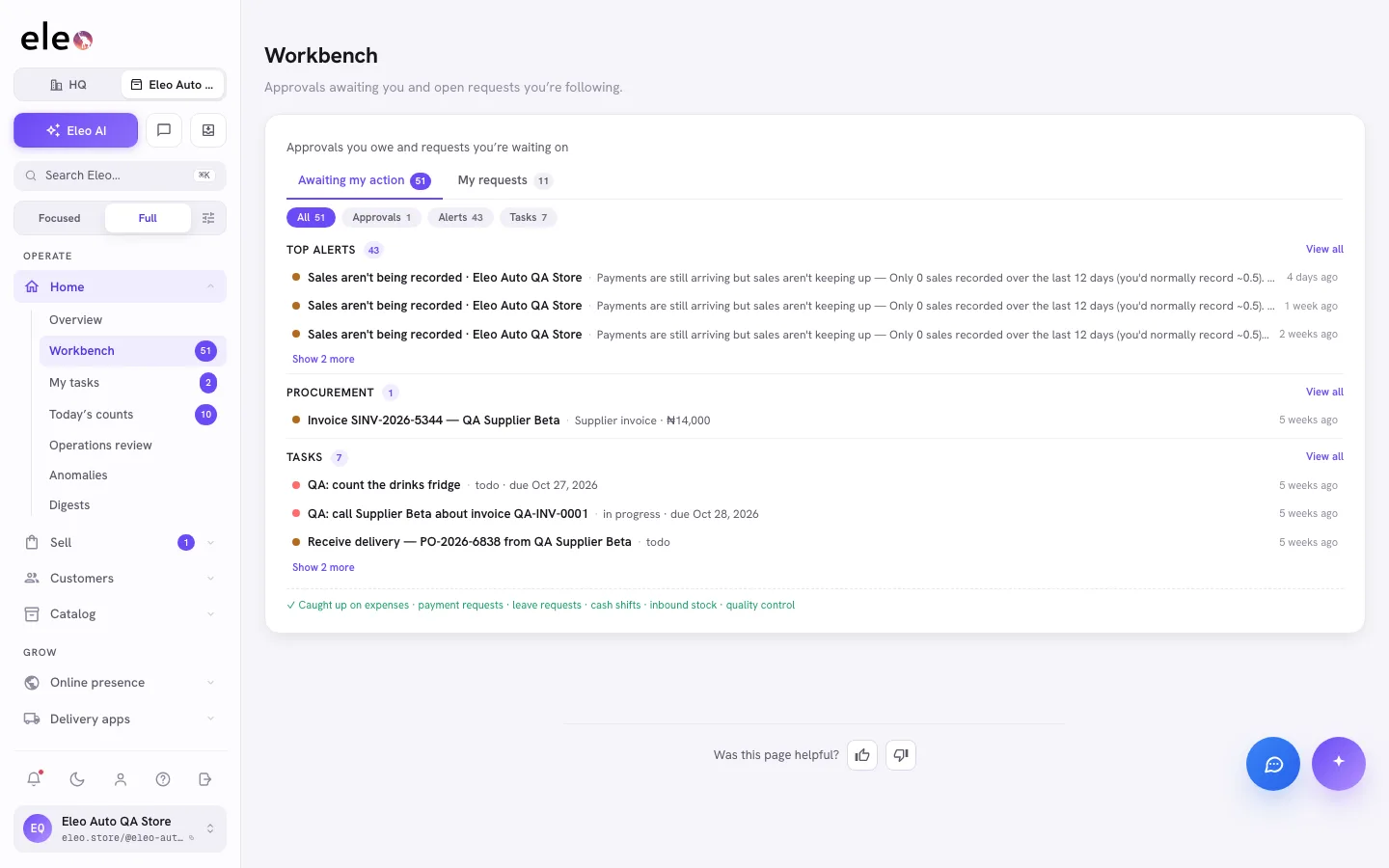
Opening and closing checklists, staff requests for stock and money, and a record of every machine you own. Each branch runs the same way, and you can see that it did.
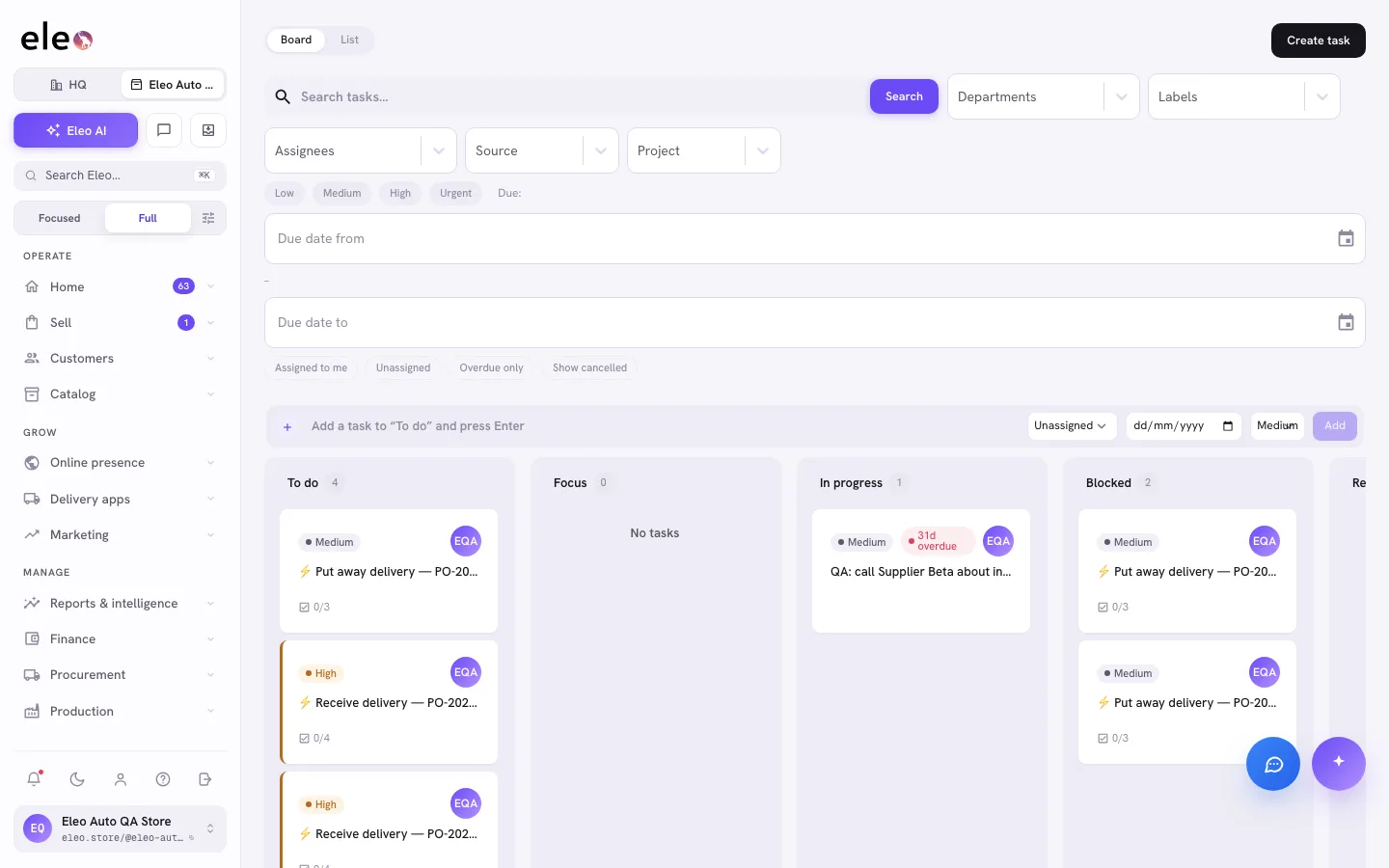
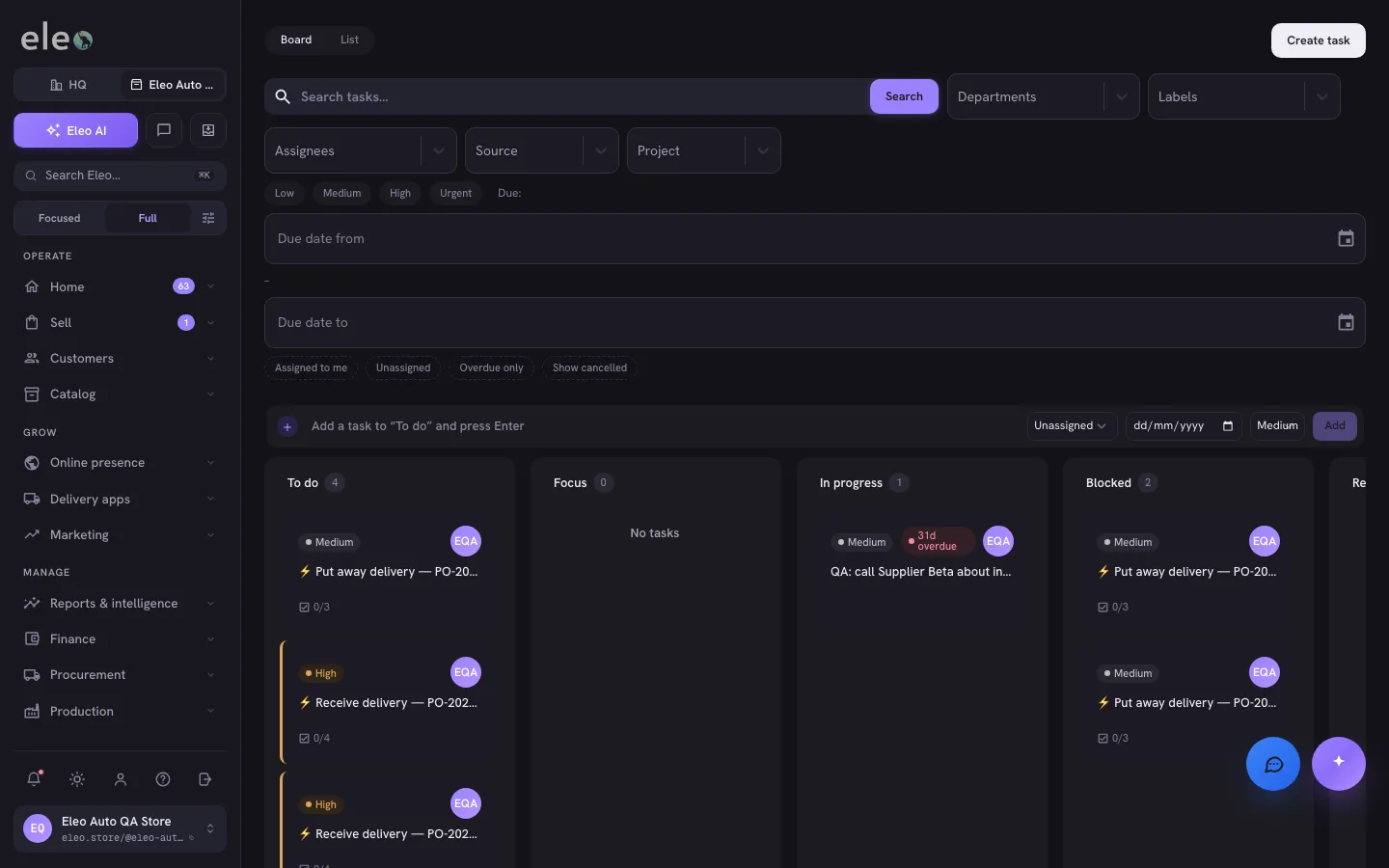
A real Eleo screen, from a demo store.
01 — What it does
Add ready-made opening, closing and cash-up checklists for a shop, a grocery or a kitchen, then change them to suit you. They appear each day at opening time.
Make a task need a photo before it can be ticked off, such as the clean counter or the locked back door.
A task that runs late reminds the person doing it, then tells their manager. Tasks can also start by themselves when stock runs low or a stock count is missed.
Staff ask for stock, materials or a repair from the app. A manager approves or declines with a reason, and everyone sees where it stands.
Staff ask for money for a running cost. Eleo checks each request against your rules and flags anything unusual. Once approved, pay it from the till or as you do now, and record it.
Keep each fridge, oven and generator with its serial number, warranty date, condition and who is responsible for it. Print a QR label to stick on it.
02 — A day in a supermarket
A supermarket with two branches uses Eleo to run the day at its newer branch. This is one Tuesday.
The opening checklist appears for the supervisor: lights, fridges, till float, fresh sections. She ticks each one and adds a photo of the fridge temperature display.
The bakery corner runs short of paper bags. A cashier asks for two packs from the main branch. The manager approves it and the bags arrive that afternoon.
A door handle breaks. The supervisor asks for money to fix it, with the reason. The manager approves it, the cash comes from the till, and the receipt is added afterwards.
The generator's three-monthly service is due this week. Eleo raised a task for it seven days ago, and the technician's visit, cost and two hours of downtime are recorded today.
The closing checklist and cash-up are done. The owner, at the other branch, sees that both checklists were finished and who finished them.
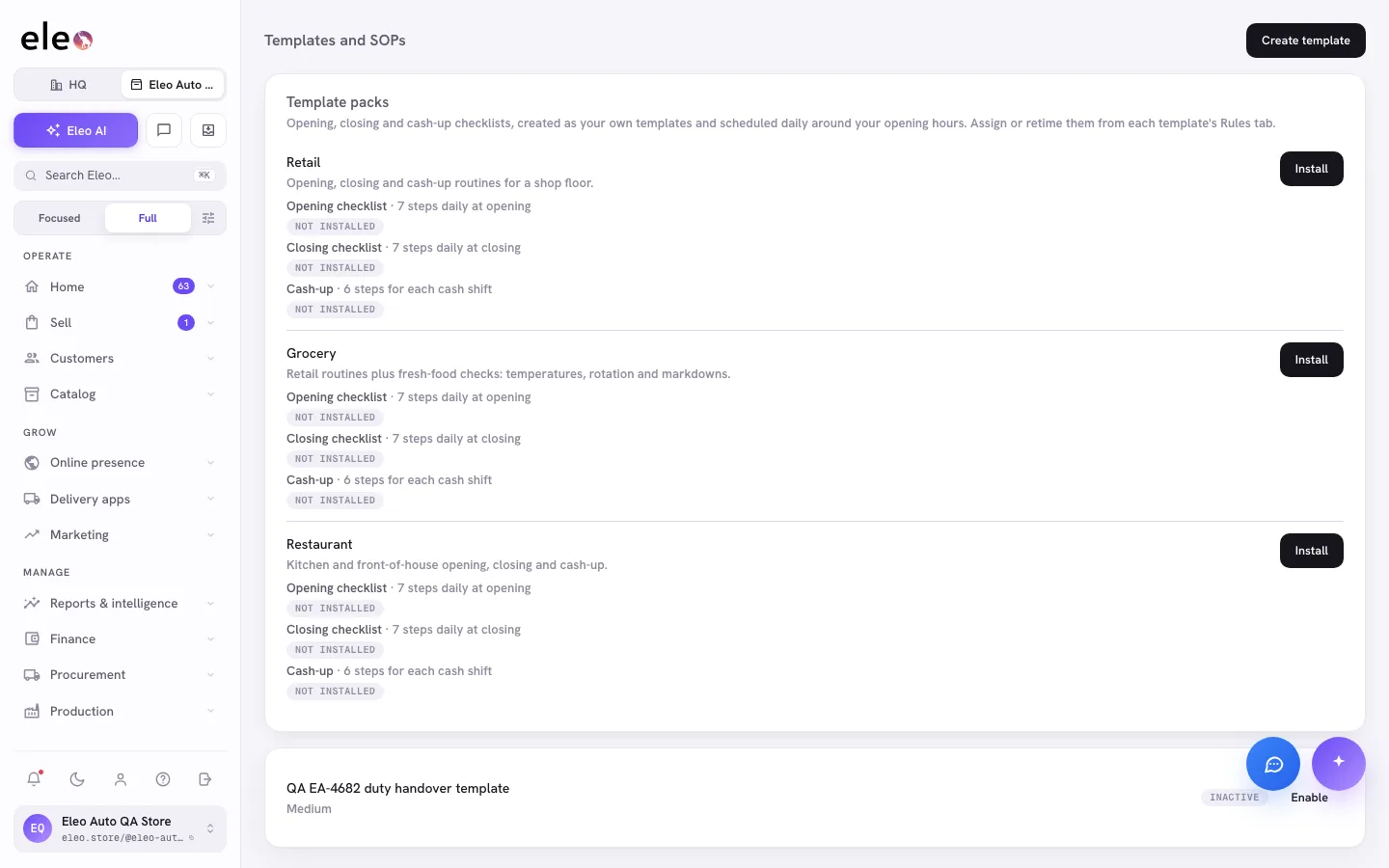
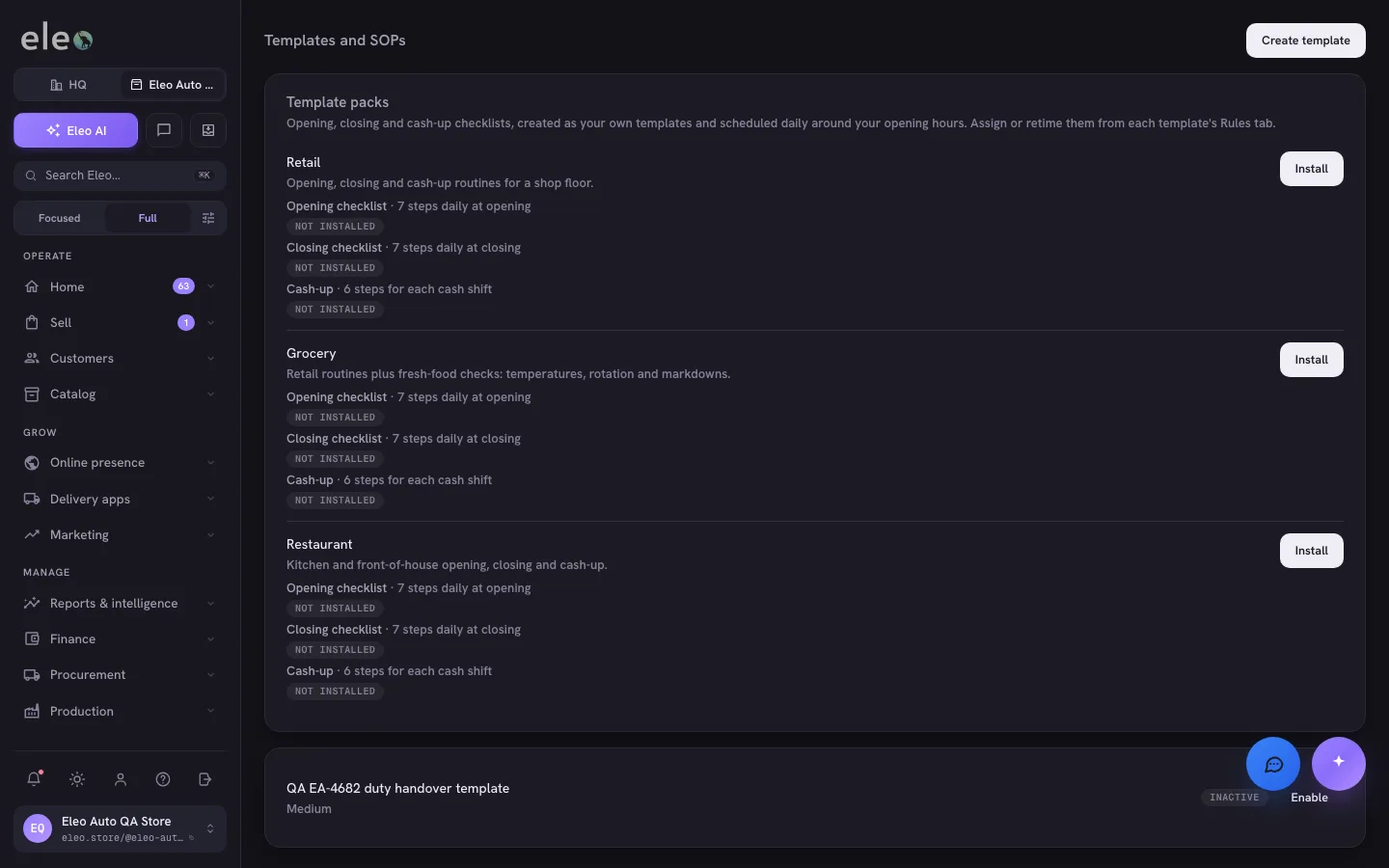
A real Eleo screen, from a demo store.
03 — Behind the counter
Set a service schedule for each machine: every so many days, by how much it is used, or on set dates. Eleo reminds you before each one is due. Every repair records its cost and how long the machine was down, so you can see which ones cost you most.
A real Eleo screen, from a demo store.
When someone takes cash to buy something for the shop, Eleo keeps it open until they bring the receipts and the change. What was spent is checked against what was asked for, and anything that cannot be recovered is written off with a reason.
A real Eleo screen, from a demo store.
04 — Who it is for
05 — What to know
Checklists, requests and the equipment record work in every country. Paying from an Eleo wallet is live in Nigeria today. Availability varies by country.
06 — Questions
No. Add a ready-made pack for a shop, a grocery or a kitchen, with opening, closing and cash-up checklists. Once added, they are yours to change.
Yes. A task can repeat every few days, on set days of the week or on set dates each month.
Each request is checked against rules such as how large it is, whether the person being paid is new, and whether one cost has been split into several smaller requests. Depending on the rule, it is warned, sent up to a manager or held.
Yes. Move an item from one branch to another with an approval. It shows as on the way until the other branch accepts it, and its record goes with it.
Yes. Each item can lose value over time by the method you choose, and selling or scrapping it is recorded with a reason.
07 — Part of the whole
Add a checklist pack, list your machines, and see tomorrow's opening done.